
Twitter Blocked Me, I Moved to BlueSky, But It Had One Major Issue. So I Built a Chrome Extension to Fix It
Key takeaways
- Always consider asking the potential end-user directly to validate your idea. If you're going to do this on Reddit, be subtle. Don't write a post like 'what do you want me to build', very few people will engage.
- Never start coding directly in the Chrome extension. Always run a console script first to validate the approach, even for something as simple as hiding DOM elements.
- Brainstorm your idea with Claude before diving into coding the Chrome extension - this is good use of AI.
"Twitter Blocked Me, I Moved to BlueSky, But It Had One Major Issue. So I Built a Chrome Extension to Fix It"
This is episode 12 of Coding Until I Make $100K, where I'm building apps in public from $0 until I hit six figures. If you're new here, the full series is at codedcitadel.com.
This one started with Twitter locking me out for no reason.
How This Started
Twitter blocked my account out of nowhere.

And even though it technically says the account has been restored, it's been inconsistent — sometimes letting me in, sometimes not.
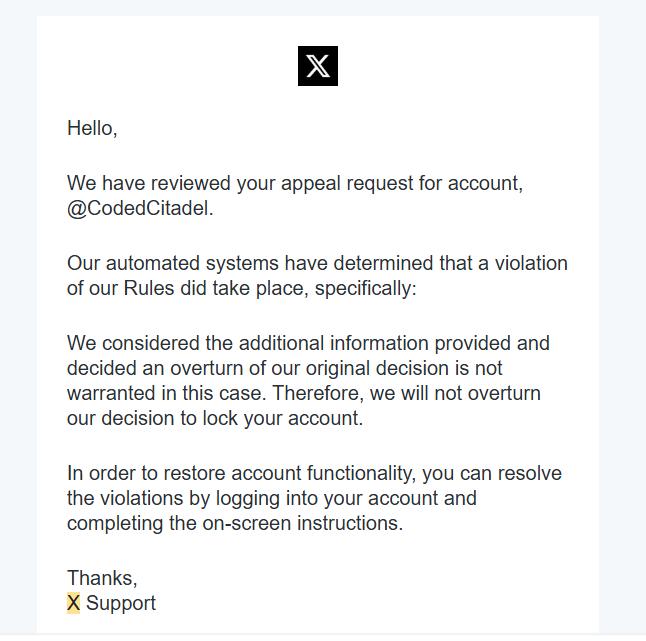
I wasn't even a heavy X user to begin with. I just wanted another platform to share my journey. So I started looking for alternatives and came across Bluesky. Honestly, it didn't look very promising at first glance.
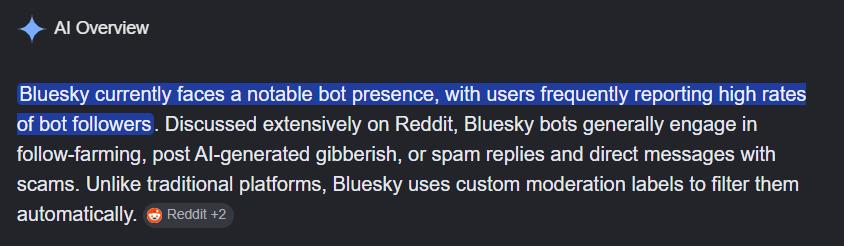
But I decided to take a look anyway. And after spending some time on it, I can confirm: it's really not that promising. But it got me thinking — maybe there's a Chrome extension opportunity here.
Finding the Idea (Using Reddit Data)
Instead of guessing, I went straight to the Bluesky subreddit and used my Reddit scraper to pull all posts and comments from the past 10 months. That came out to roughly 700 posts and 13,000+ comments.
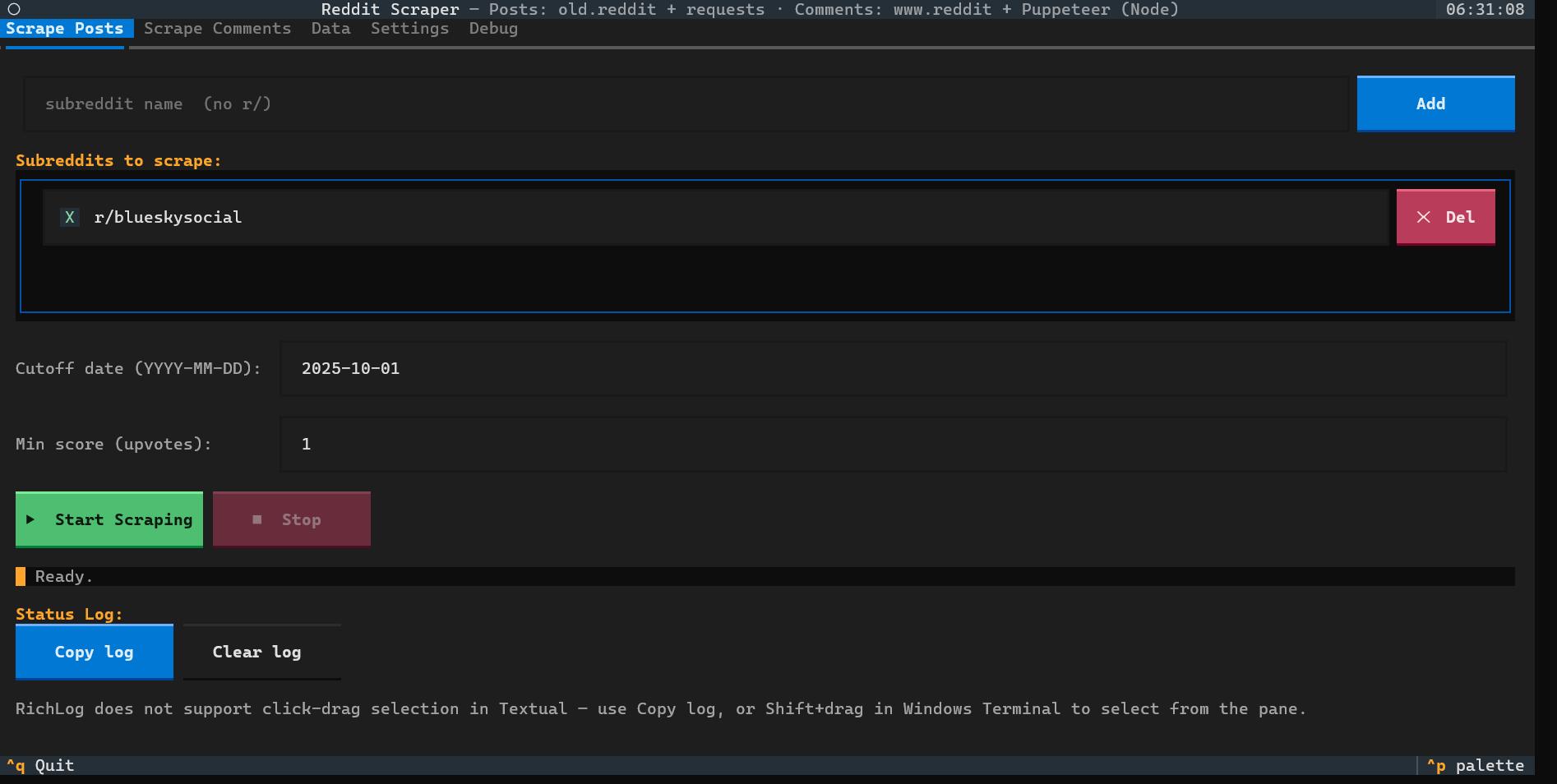
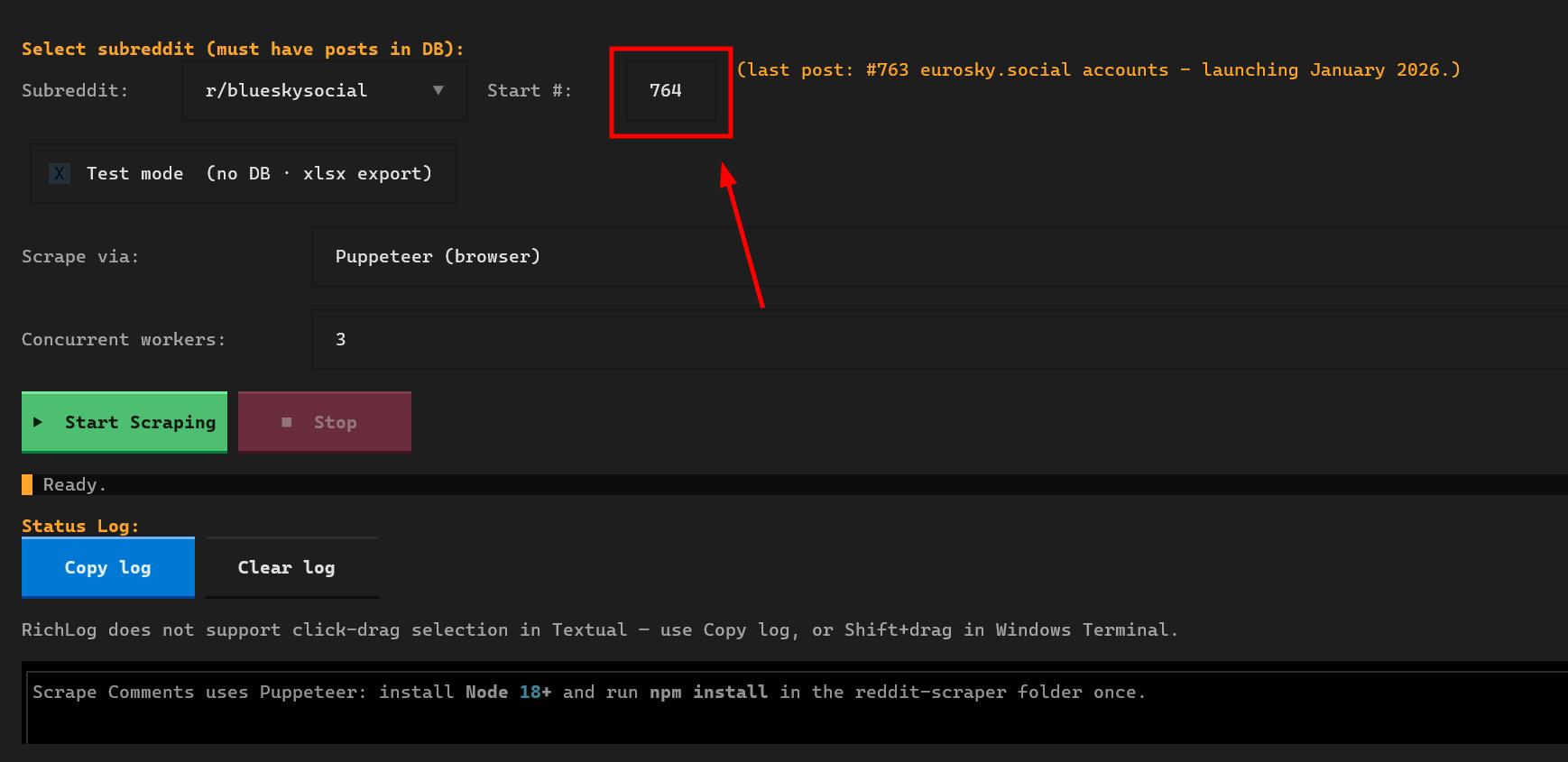
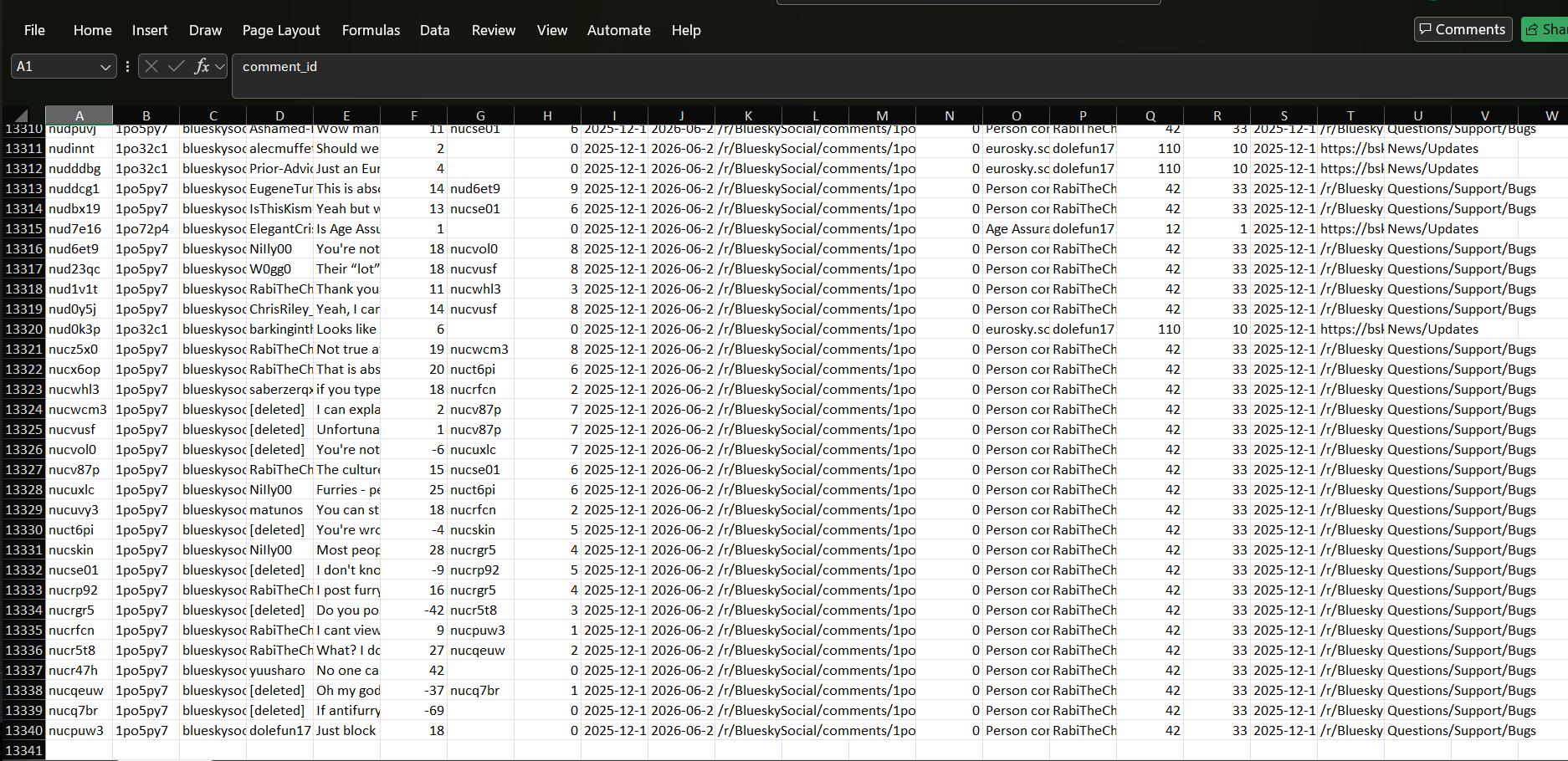
I fed all of that to Claude and asked it to find potential Chrome extension ideas from the data.
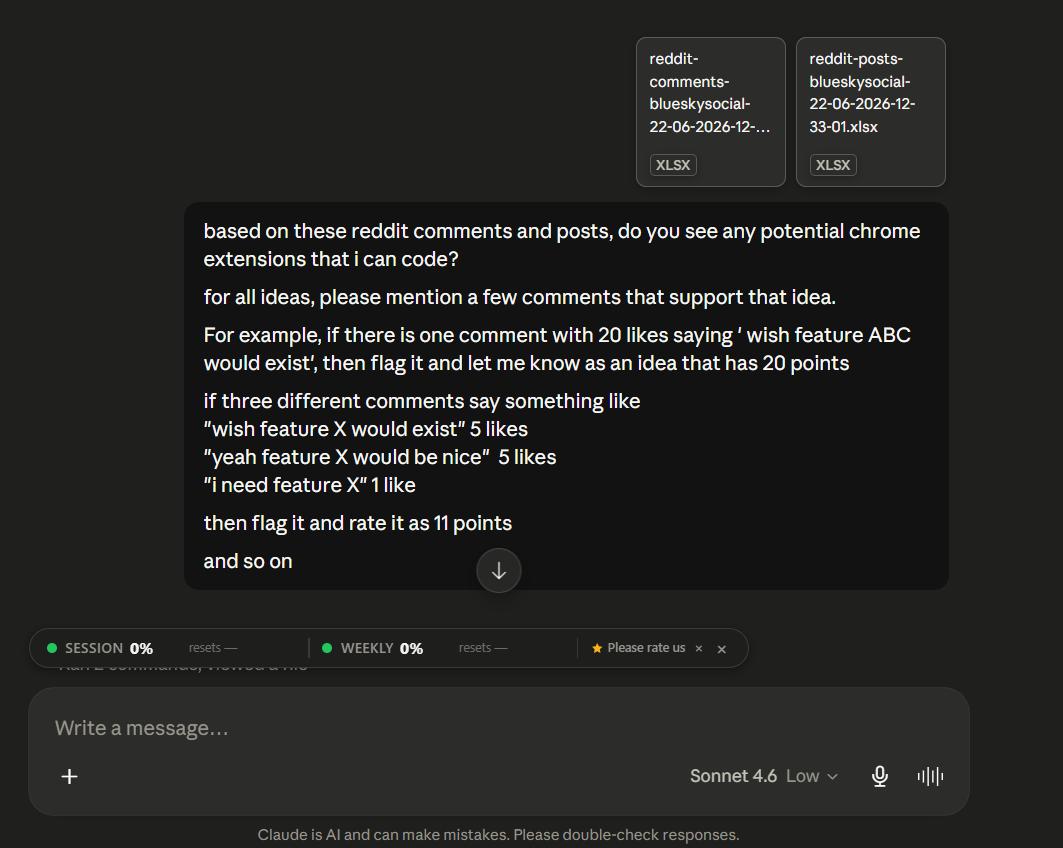
There were some genuinely interesting ideas in there.
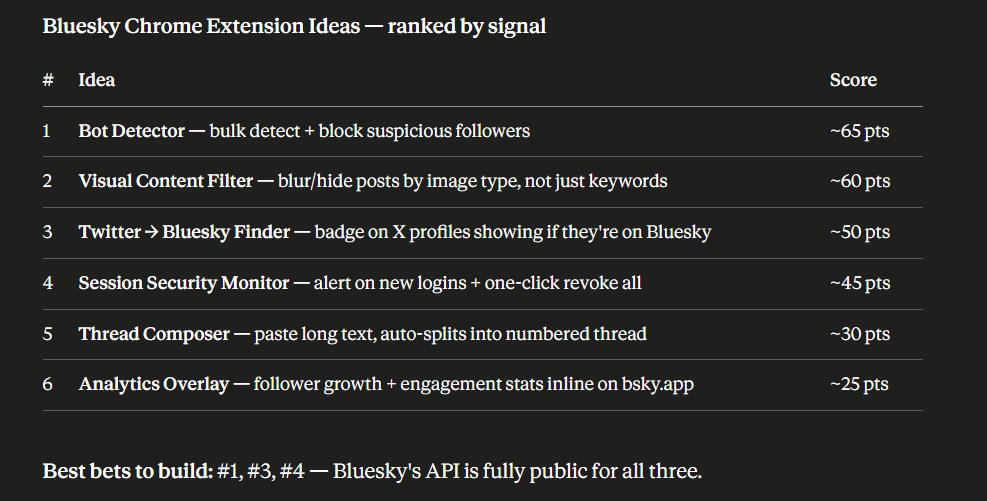
But none of them were simple builds. One idea I liked was real-time image content detection — hiding posts based on what's inside an image — but the only realistic options were Tesseract.js or an external API, which would cost money. I'm not putting money into an idea that hasn't been validated yet.
So before committing to anything, I did one last thing that was pretty obvious in hindsight: I just asked the community directly.
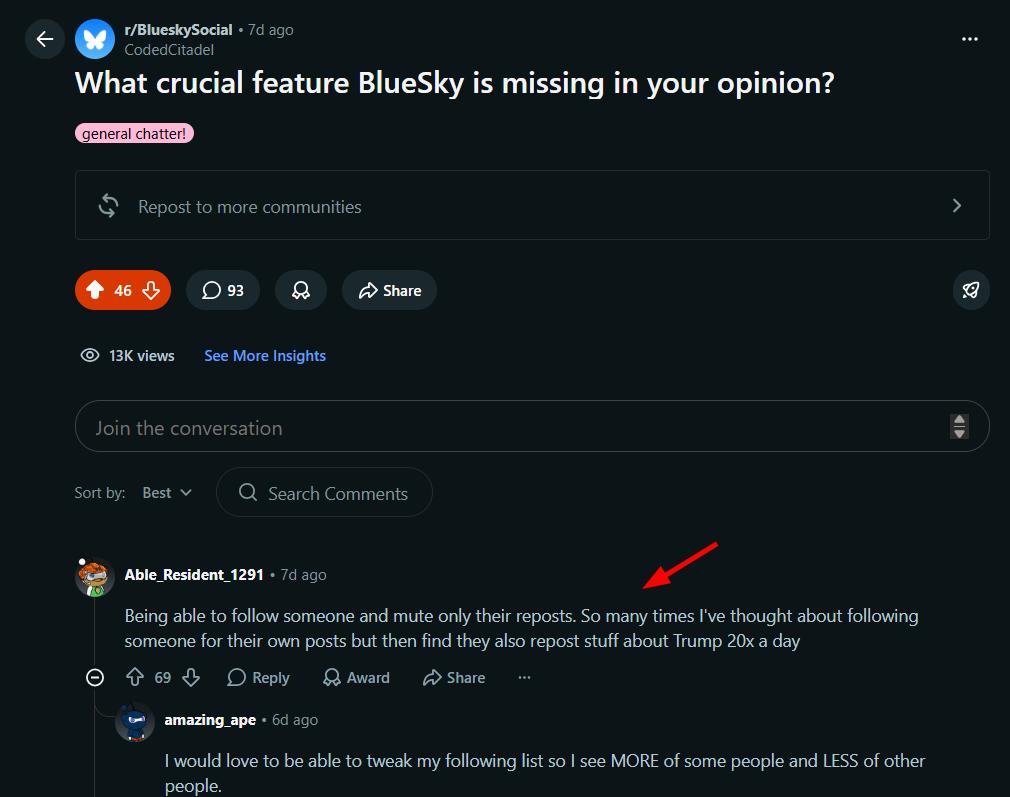
The most upvoted answer was, luckily, the simplest one: hide reposts from specific accounts. Pre-validated, simple to build, and a clear pain point. We also get a free distribution channel — a shameless plug in the comments, plus direct messages to every person who asked for it.
The "Hello World" Script
If you've been following this series, you know I never start coding directly in the Chrome extension, no matter how simple the idea seems. Unless the feature absolutely requires a background service worker (for example, something blocked by CORS), I always start in the browser console.
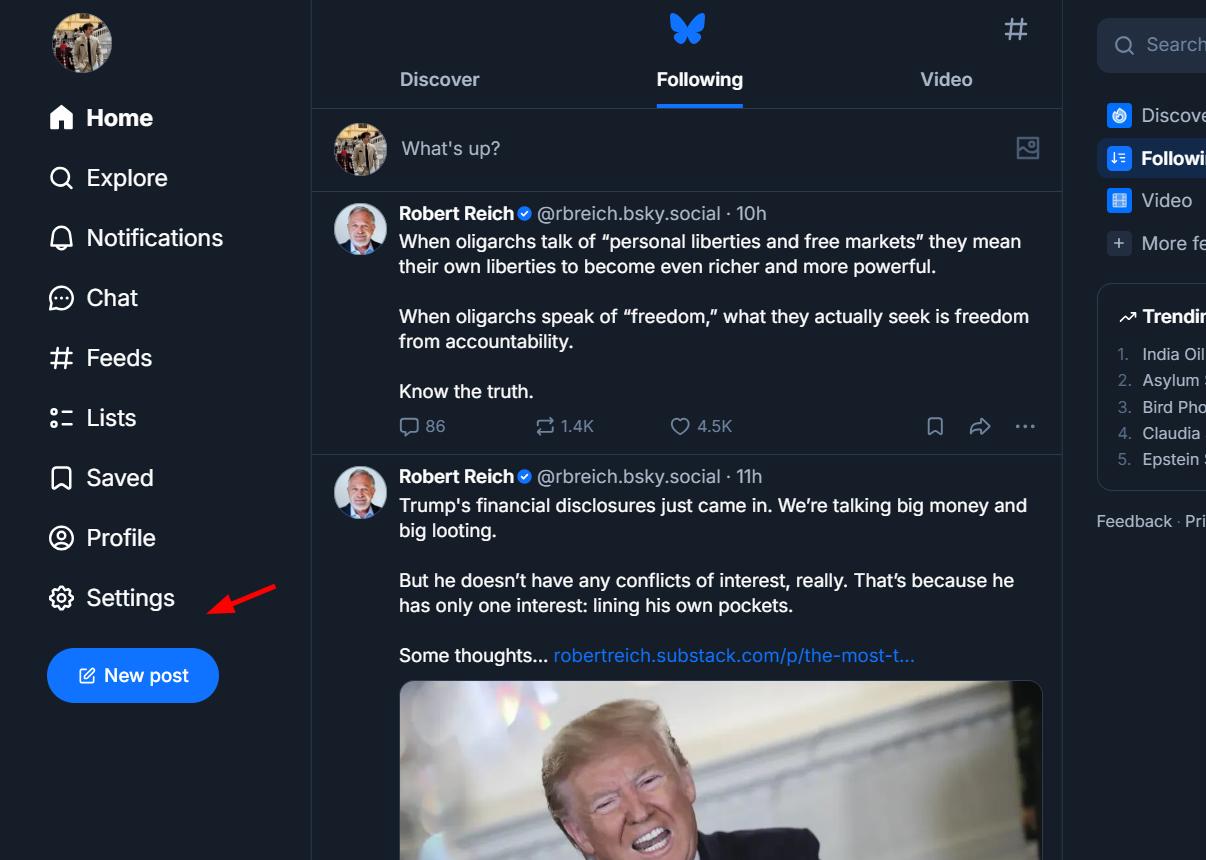
The first useful thing I noticed on Bluesky is that every repost has a "Reposted by" label visible in the UI.
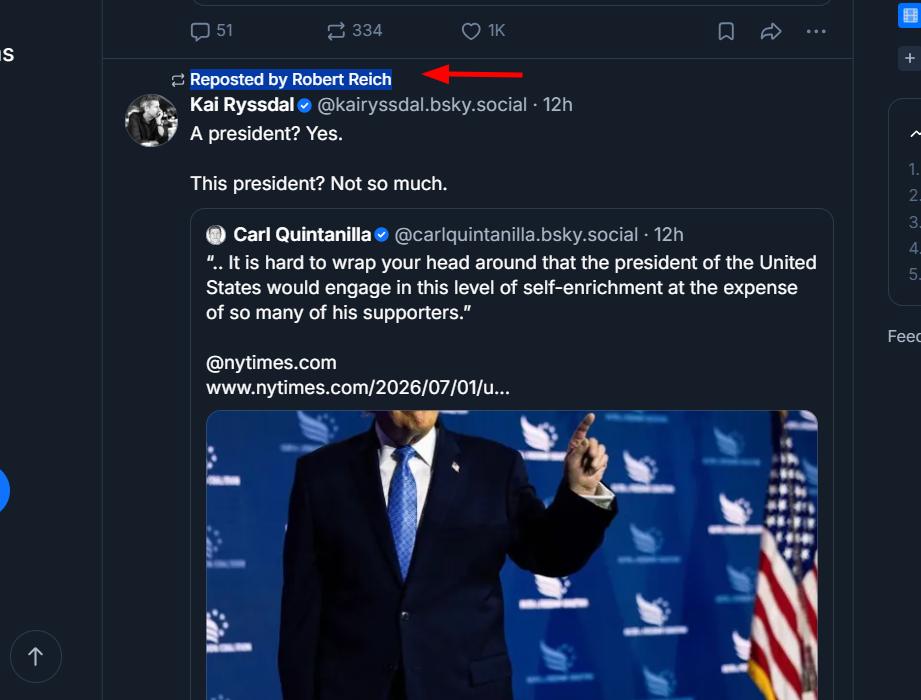
That label is likely going to make it easy to find the right CSS selectors. The next step is comparing the HTML of a repost versus a regular post to find a reliable differentiator.
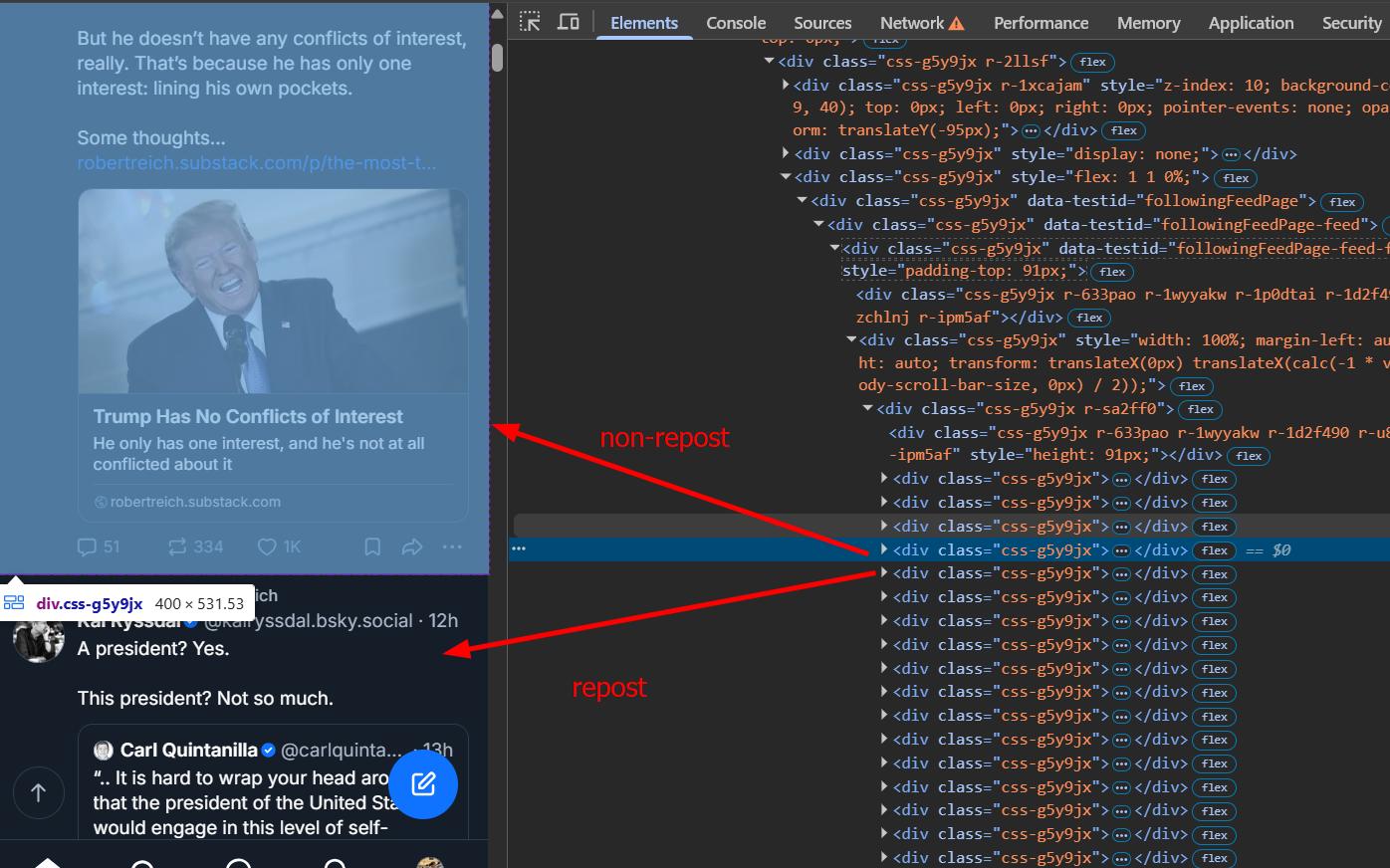
Digging a bit deeper, I find exactly what I need: an aria-label attribute.
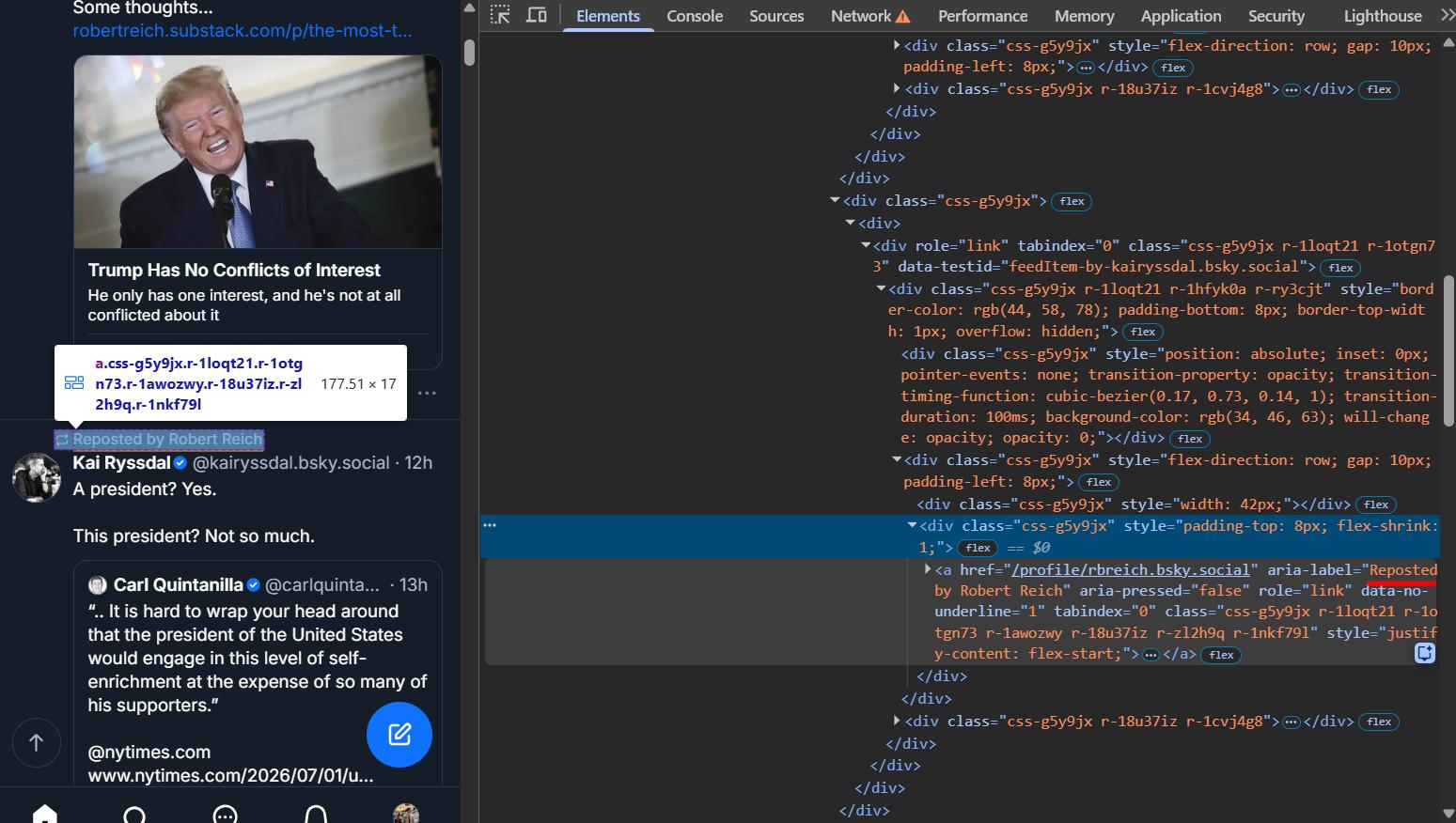
Worth noting that this is in English, and users from other countries may have a different value for that aria label. For now though, this is good enough to get started. The logic from here is straightforward: find all [aria-label*='Reposted by'] elements, traverse to the closest parent post container, hide it, and use a MutationObserver to catch any new posts that load as the user scrolls. I feed all of this to Claude and get back a working script to test in the console.
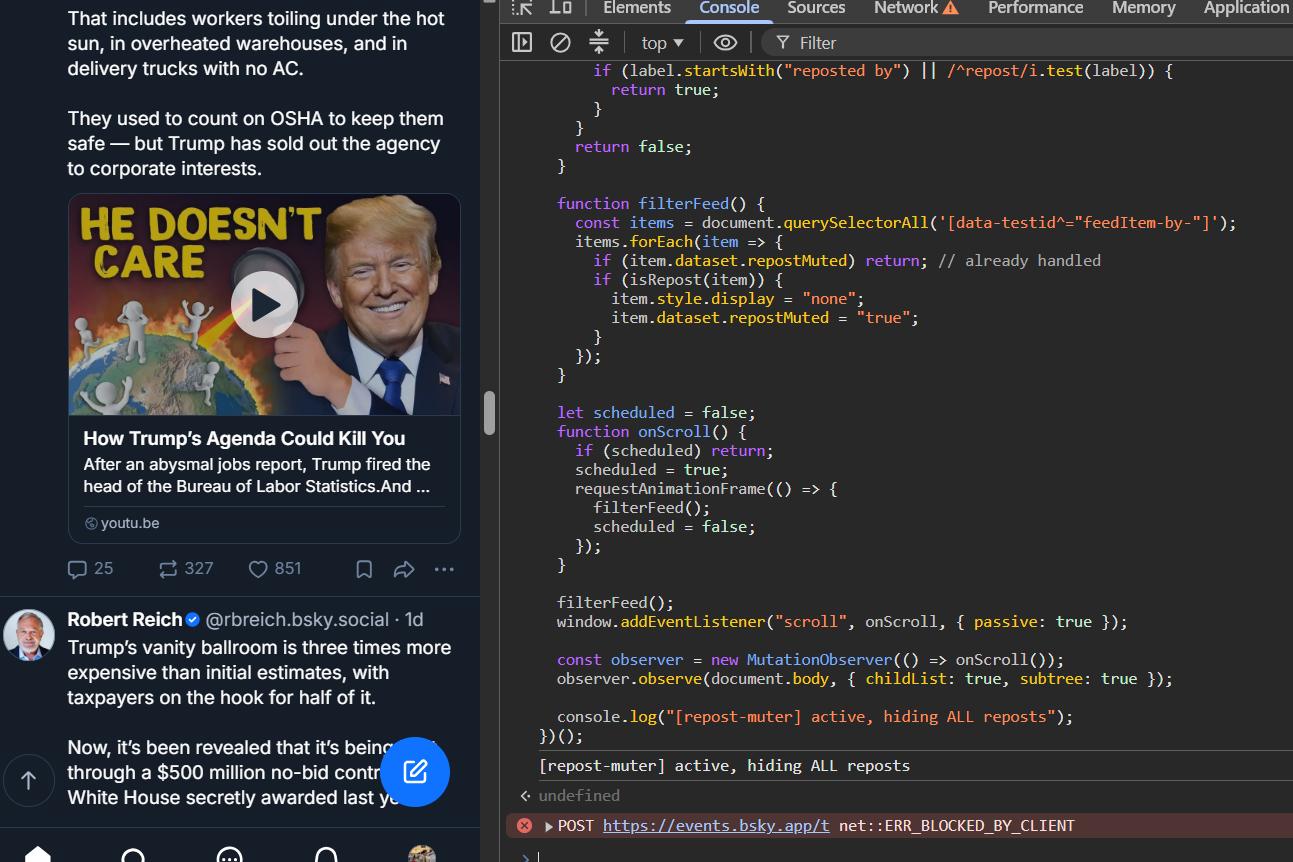
All reposts hidden. Just like that. Now we just need to wrap this into a Chrome extension.
Building the Chrome Extension
The extension needs three things: a way to select which followed accounts to hide reposts from, a "Buy Me a Coffee" prompt after either 300 reposts hidden or 24 hours of usage, and the widget injected directly into Bluesky's home page sidebar.
I also need to make sure the extension is available in multiple languages — English, German, Chinese, Korean, Spanish, French, Japanese, and Portuguese.
Before running the prompt in Cursor, I create a samples folder and drop in the content script so the AI has something concrete to reference. Then I dump everything on my mind to Claude and ask it to write a thorough Cursor prompt from it. The prompt ended up covering the sidebar injection selector, the BEM class structure, the modal HTML, the following list fetch function, the toggle behavior, the buy me a coffee button, the Vite + React setup for the popup, and the vanilla JS approach for the content script. Writing a thorough prompt sounds like a small detail but it makes a real difference in the quality of the first build.
First Build and Bug Fixes
The first build actually came out pretty decent.
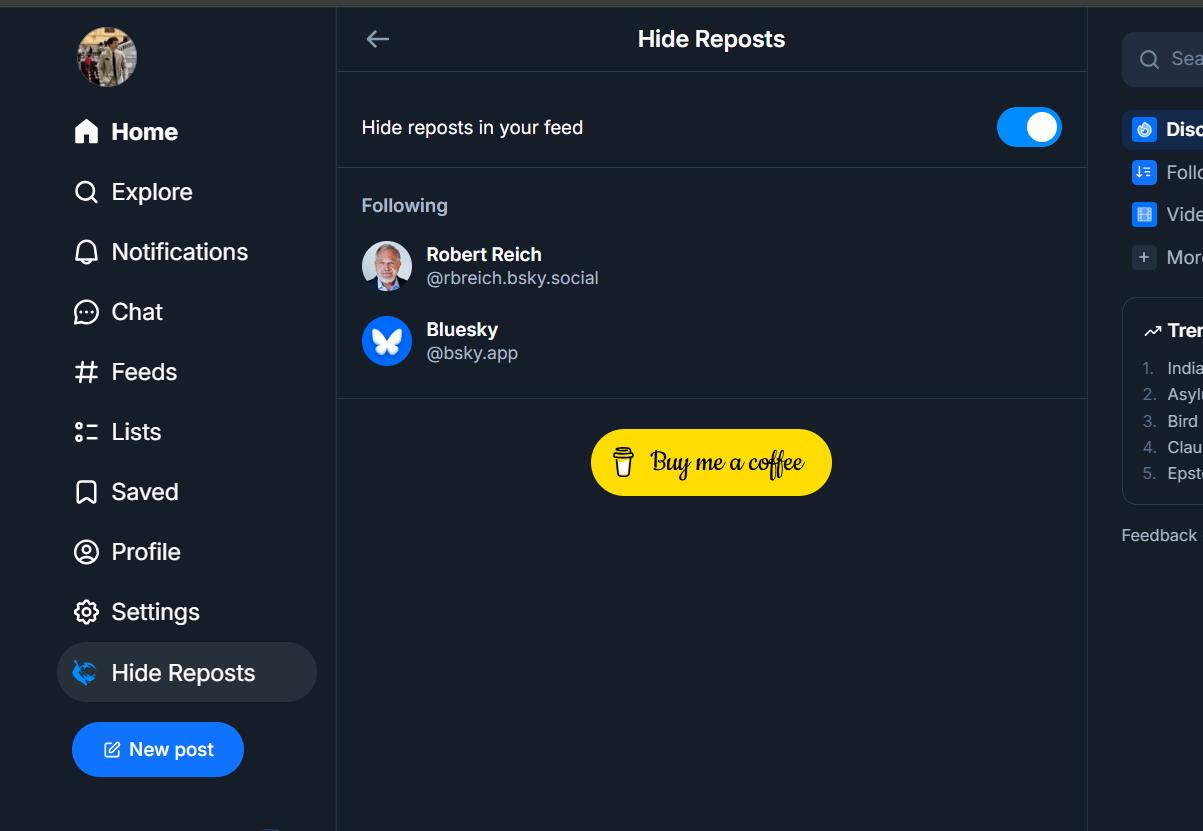
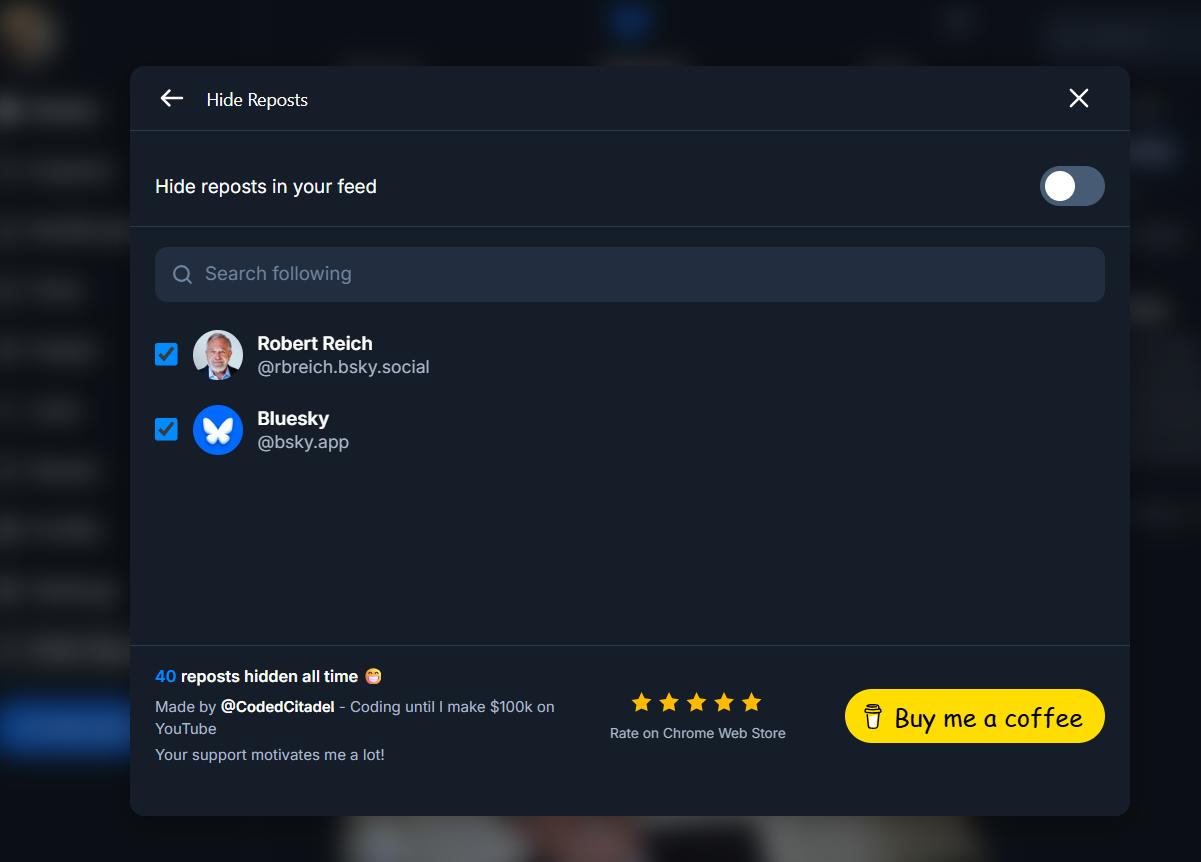
The SVG icon needed fixing and the following list was missing checkboxes, but the structure was mostly there. The bigger issue was that injecting the menu directly into Bluesky's main page was competing with the existing layout and causing visual bugs when clicking "Hide Reposts." The fix was straightforward: switch to a modal instead of fighting the DOM structure.
The modal looks much better.
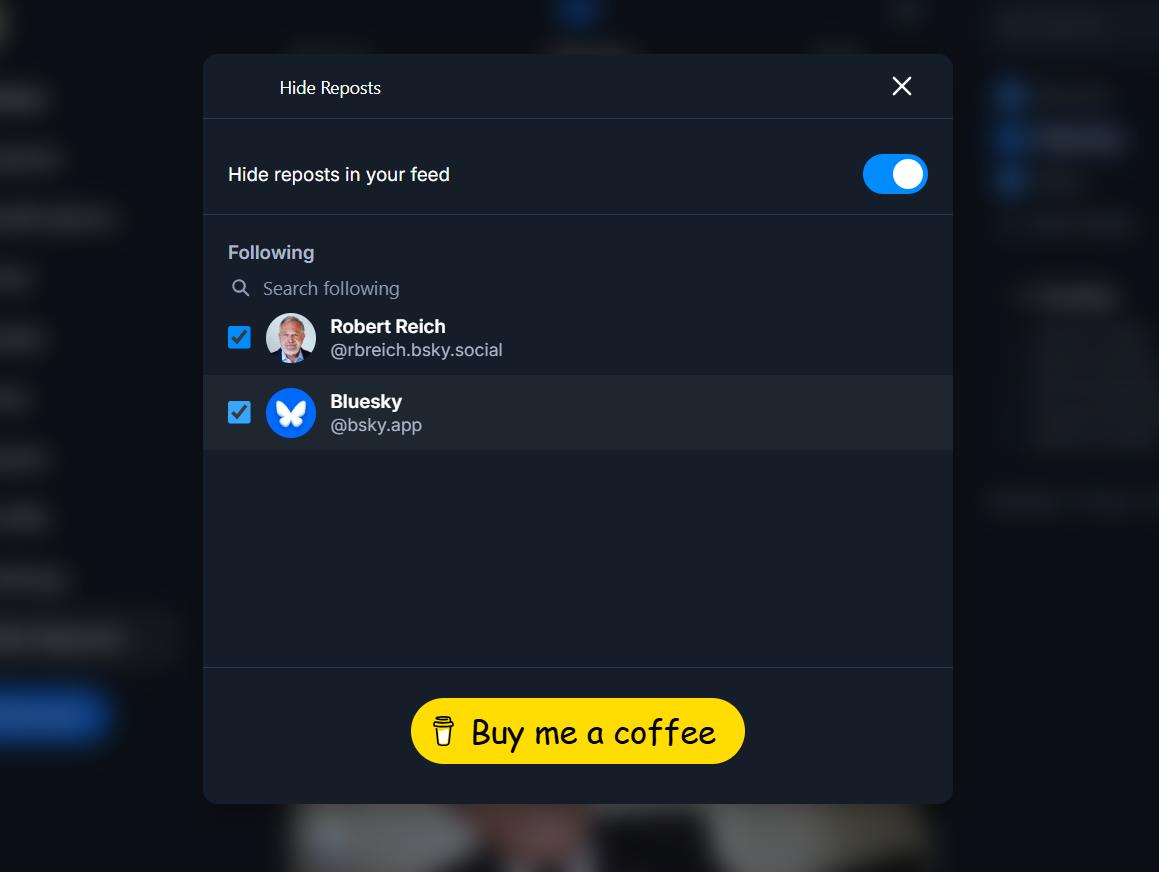
After confirming the content script is being injected correctly and the repost hiding is running as expected, the extension is working properly end to end.
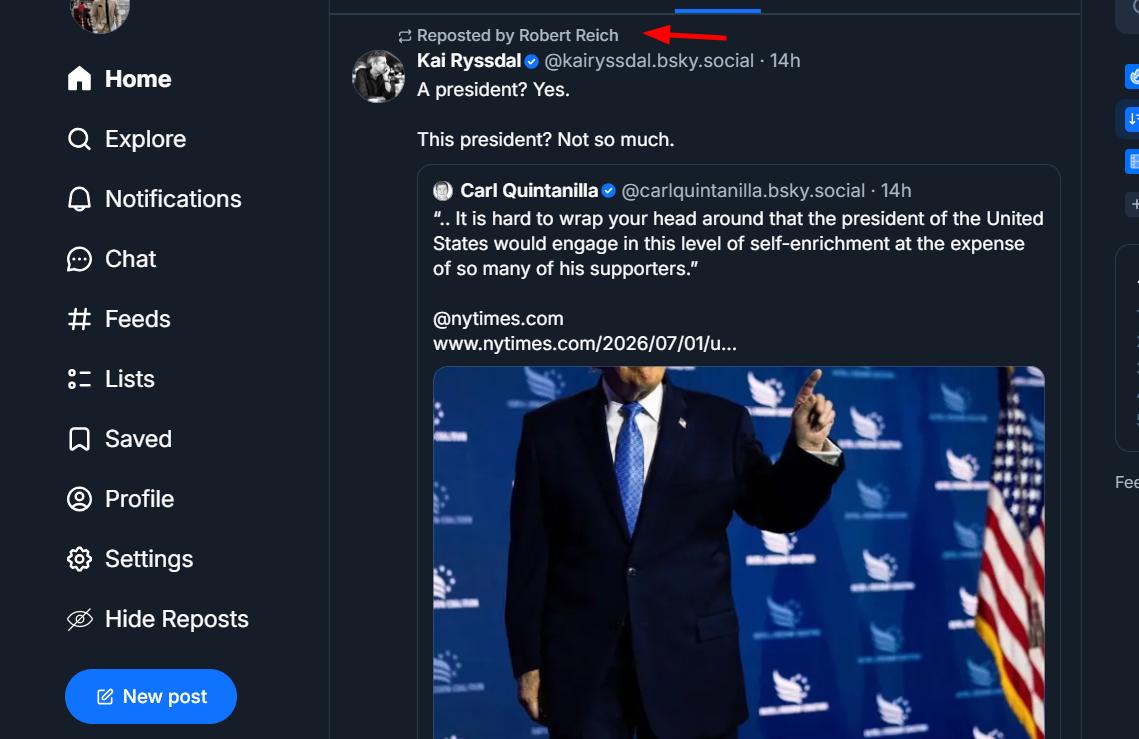
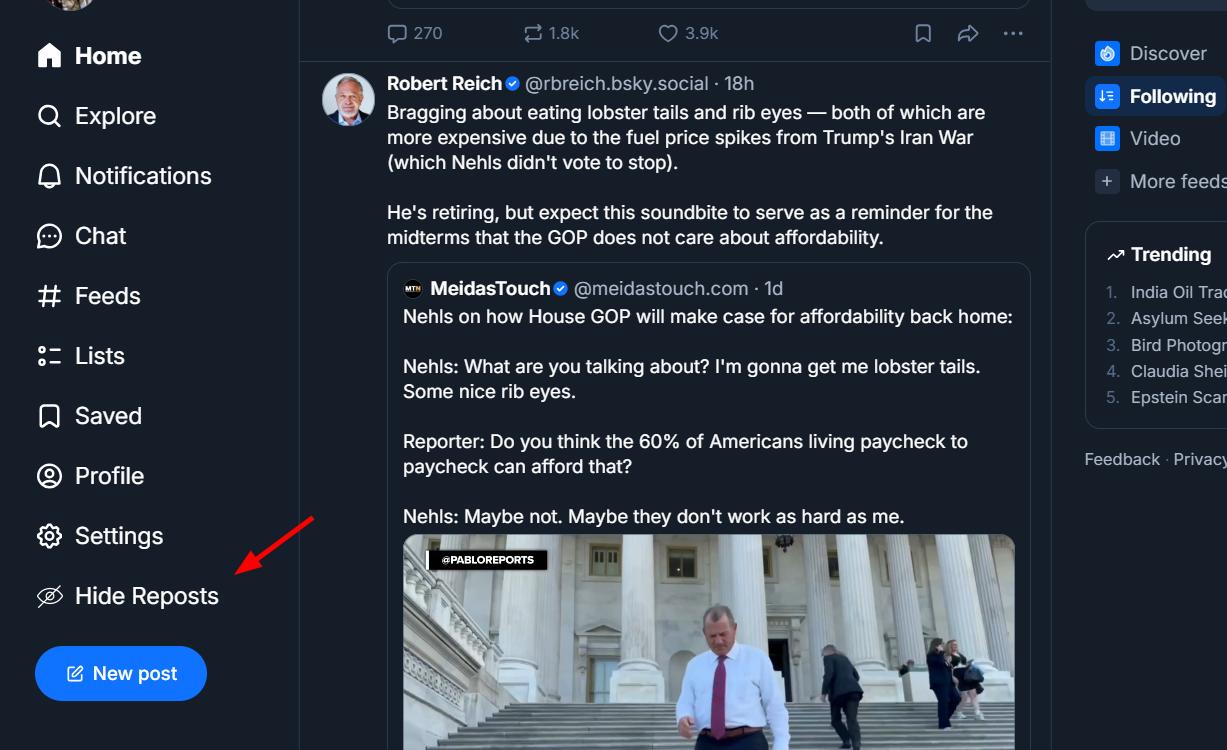
The footer gets cleaned up and the extension is functionally complete. The last thing left to handle is repost counting and deduplication.
Repost Deduplication
This part needed some thought. Bluesky's feed uses virtualized rendering, which means the same repost can appear and disappear from the DOM multiple times as you scroll. Without deduplication, the counter would overcount.
The approach I landed on: a composite key made of the reposter's handle plus the post permalink. The same post reposted by two different accounts counts twice since they're different keys. The same repost seen again during a scroll re-render matches an existing key and gets ignored. All keys are tracked in a JS Set for automatic deduplication within the session, and only the running total (not the full ID list) gets flushed periodically to chrome.storage.local to keep it lightweight and persistent across reloads.
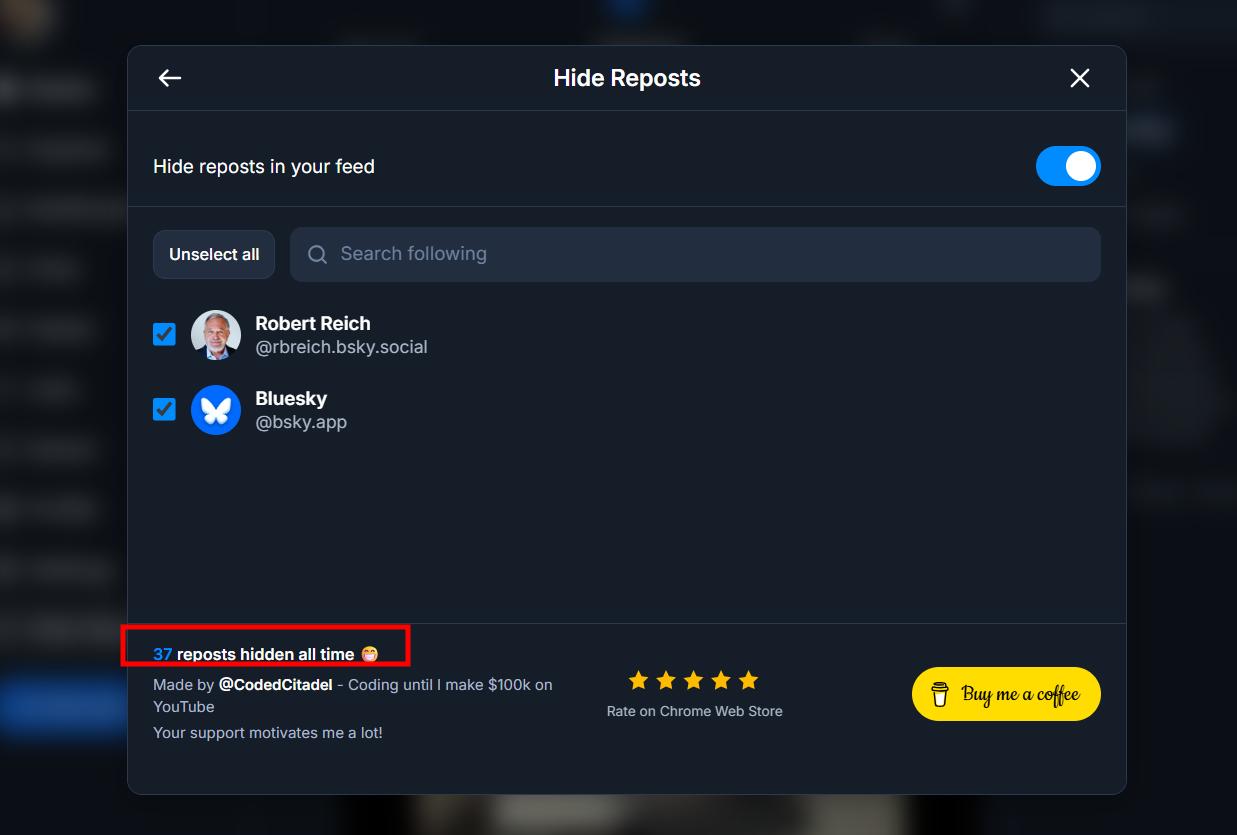
With that working, two more bugs surfaced. First, newly followed accounts weren't showing up in the following list inside the modal. Second, when all recent posts in the feed were reposts, the timeline went completely empty.
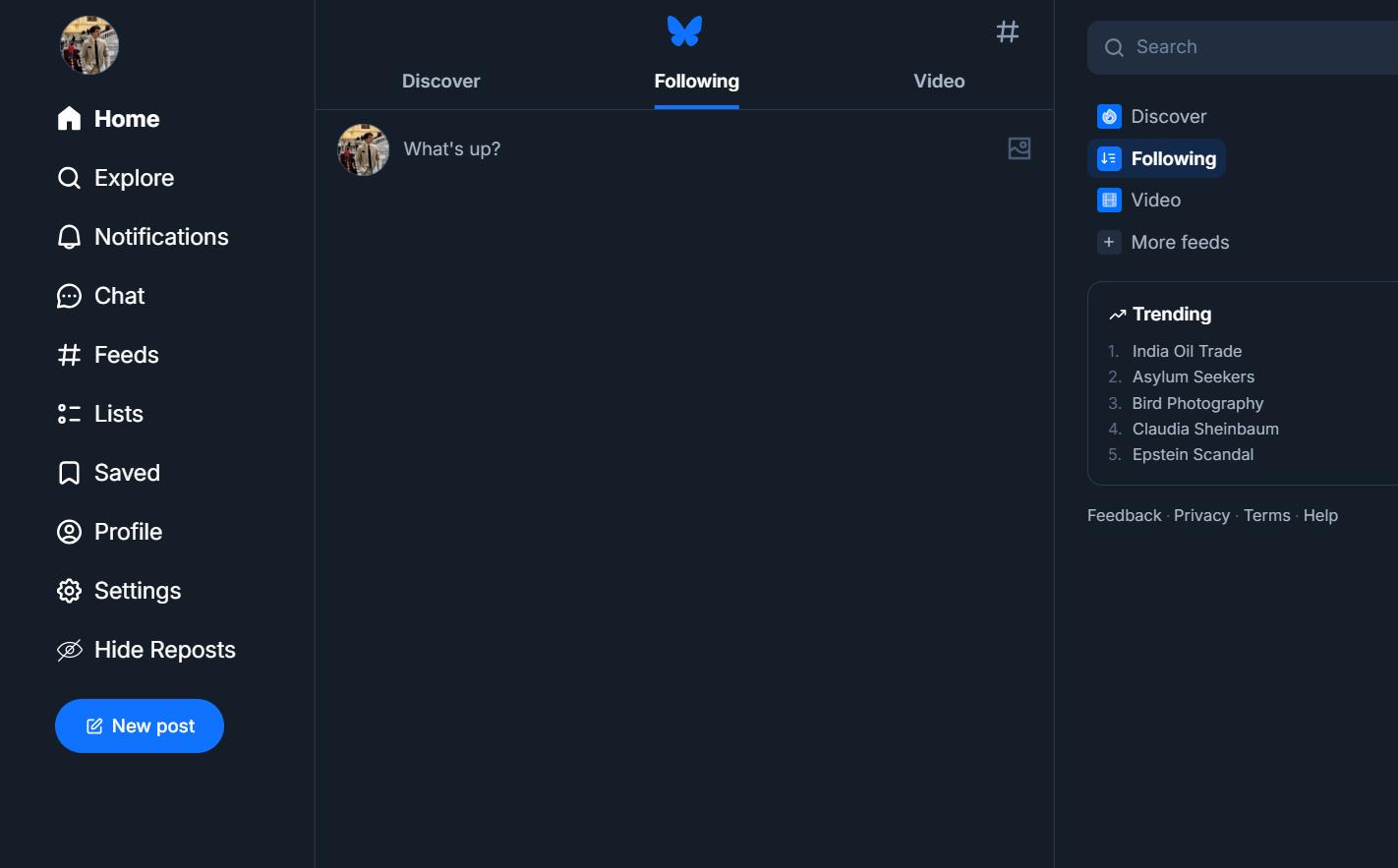
The empty timeline issue looked like it might need a backfill mechanism to load more posts on demand, but it turned out to be a simpler CSS problem. Fixed in a few minutes. After a few more small touches, the extension is ready to publish.
Logo and Publishing
As always, ChatGPT for the logo.
Good enough. Not going to nitpick it.
I ask Cursor to resize and replace the logo throughout the project, and we're done.
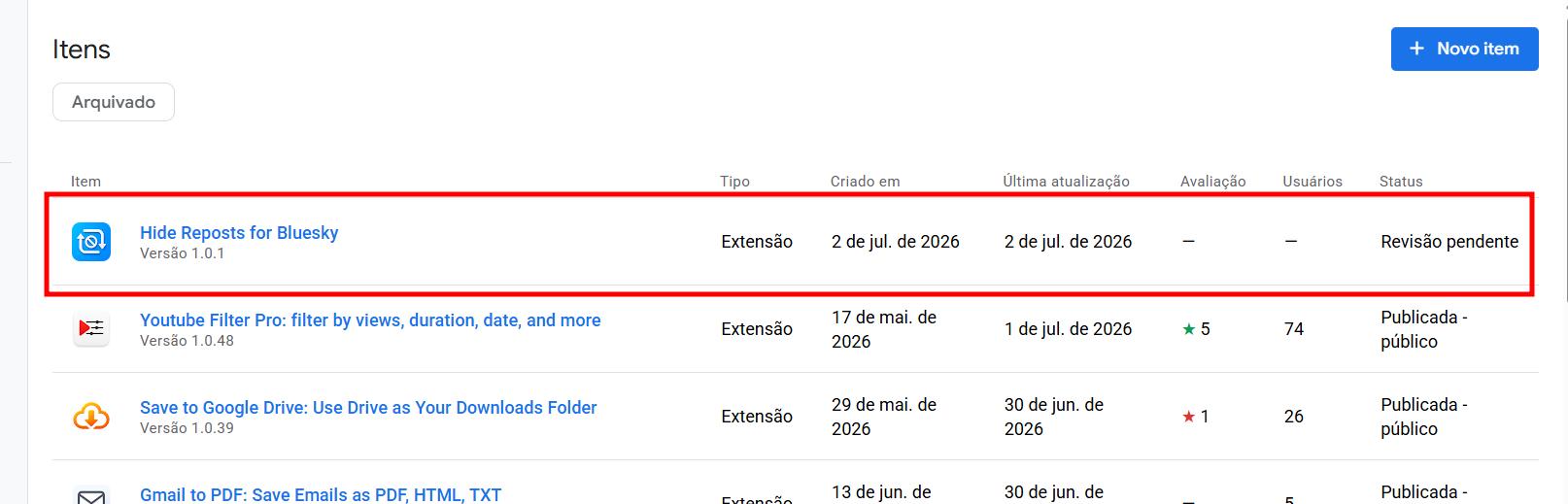
Since this extension doesn't require many complex permissions, it should be approved within a day or two.
Wrapping Up
This one started as an accident and turned into one of the cleanest builds in the series so far. The Reddit scraping approach for idea validation is something I'm going to keep using — 13,000 comments is a pretty good signal. And asking the community directly before building anything saved me from spending time on something that might not have had an audience.
Full series at codedcitadel.com. Hide Reposts for Bluesky is live on the Chrome Web Store.
Are you on Bluesky? If so, how do you like it?
More from the blog
Keep reading
12 Chrome Extensions Deployed Within 2 Months (Not AI Slop). All Data + My First Financially Successful Extension
I coded and published 12 extensions in 52 days and documented every single one - all my private data, the numbers, what I learned, and the story of my first financially successful Chrome extension.

I Made My First Sale in This Series! (Shopify Client Work, $1400)
How I landed a $1400 Shopify project, used AI to analyze competitors, built a custom product page with metafields, and shipped a full ecom store - all while using a Chrome extension I built myself to sync the theme in real time.

I "Hacked" Discord's API to Download All Messages & Attachments (And Made a FREE Chrome Extension For This)
How I built a Chrome extension to export Discord messages by channel, reverse-engineering Discord's internal API, intercepting auth tokens from network requests, and shipping a full UI with HTML, PDF, CSV and JSON export. Full build diary from a $0 to $100K Chrome extension journey.