
Track When ANY Video is Uploaded to Youtube W/ This Chrome Extension
Key takeaways
- Mock the design first in ChatGPT, then hand it to Claude to implement. The extra detail in the prompt makes a real difference in the output quality.
- CORS will block you from YouTube's InnerTube API in a background service worker. The workaround is a plain GET to youtube.com/results and parsing ytInitialData from the HTML response.
- Chrome extension alarms + background fetch work even when the YouTube tab is closed. Once the user visits YouTube once, searches can run indefinitely without any tab open.
Imagine if you could be notified every time a video with certain keywords is uploaded to YouTube.
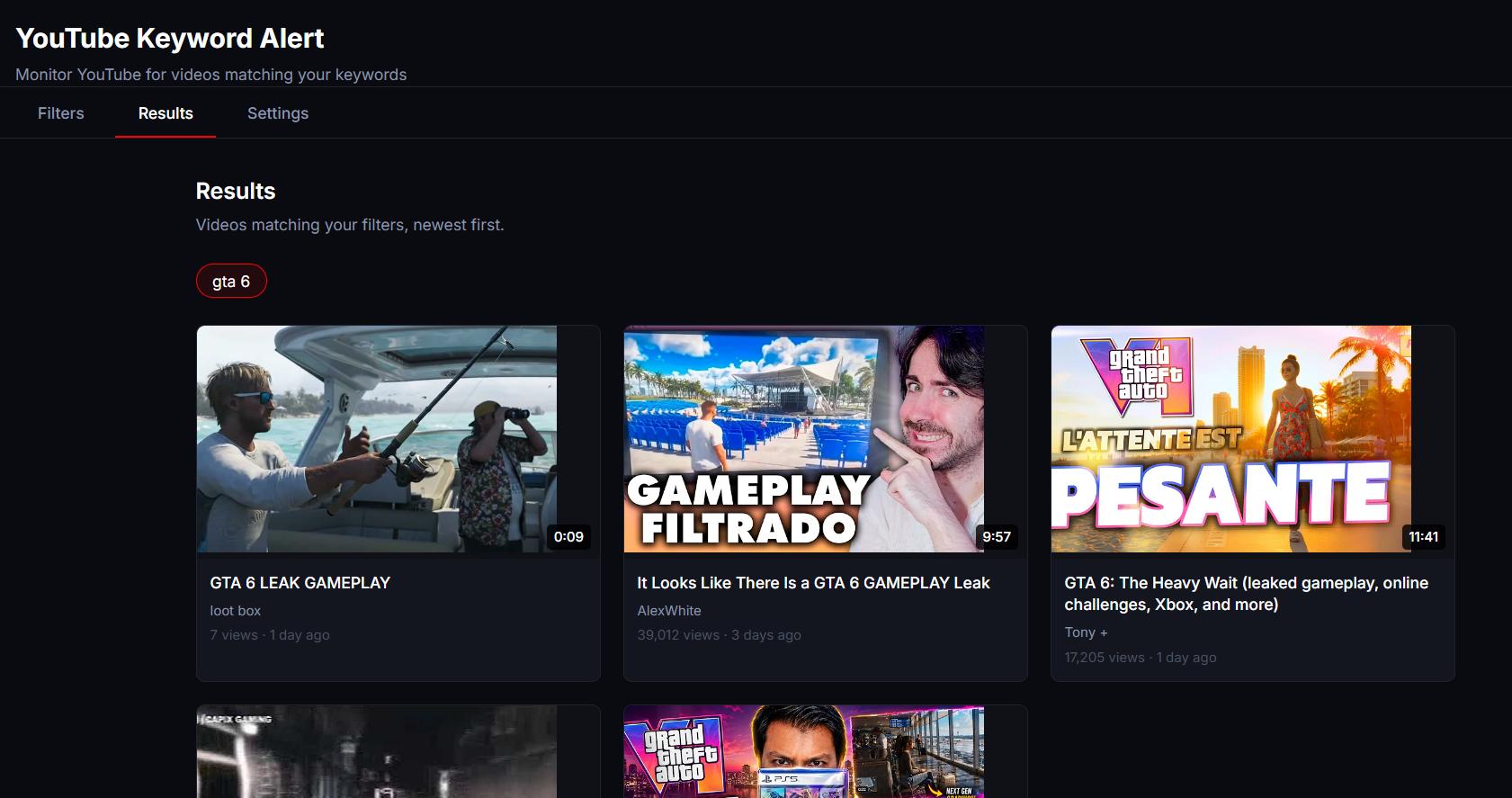
Let's say you're waiting for GTA 6 leaks. You already know the channels that post fake content, so you can exclude them. And you know that a decent leak video would have at least 2 minutes of content, so you add that to the filter as well. Now, every time a video with these settings is uploaded to YouTube, you get notified.
This is what you can achieve with YouTube Keyword Alert
You add keywords to include and exclude, and every time you go on YouTube it will silently search for you, without impacting performance or slowing anything down. You can just leave it working quietly in the background. And whenever something is found, it will notify you.
You can watch the full build on YouTube.
The initial idea
My idea for this actually came from my personal needs and this channel. I was curious to see if there were other people doing a "coding until I make X" challenge. Searching for channels doing this on YouTube daily was not practical, so I decided to code a solution.
What if there was a way to have a bot searching on YouTube every few hours, checking if a specific type of video had been released? That was the premise.
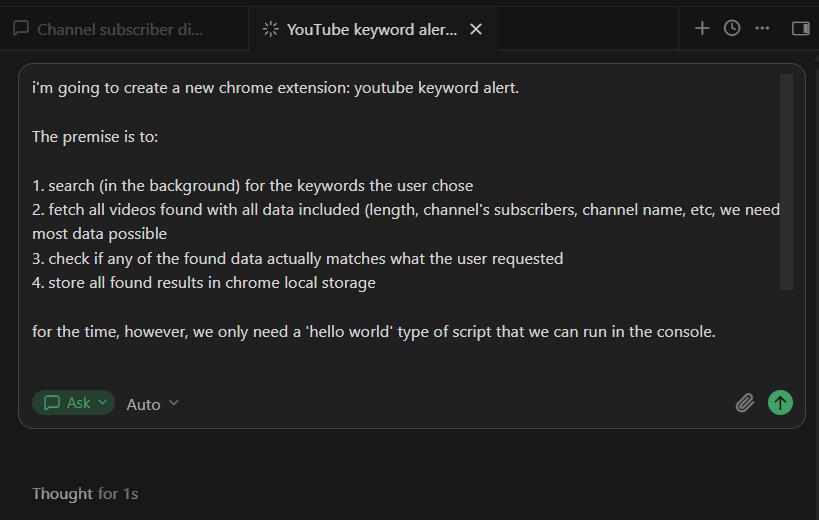
I had coded two extensions related to YouTube in this channel before (YouTube Comments Exporter and YouTube Filter Pro), so I already had some knowledge of how things work and a lot of code I could reuse. The plan was to start with something simple running in the browser that I could test quickly.
It had to:
- Search for videos with certain keywords in the background
- Console log everything it found
The first problem: channel data enrichment is slow
The first version of the script fetched videos fine, but enriching the channel data (pulling subscriber counts, etc) was taking a long time. Some subscribers weren't being fetched at all.
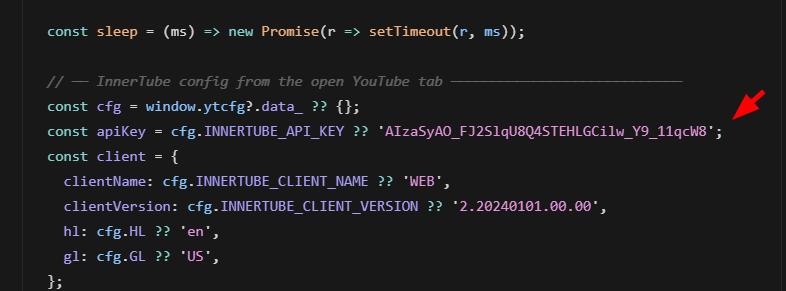
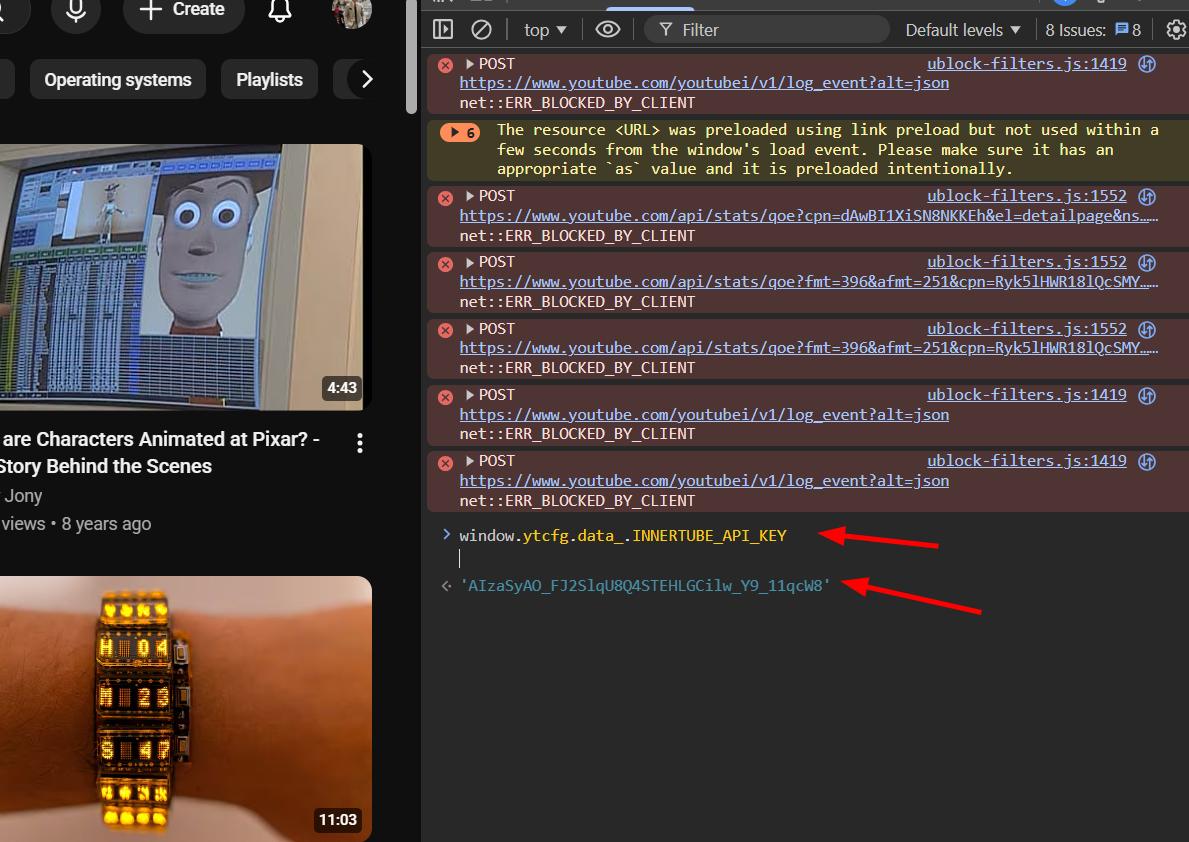
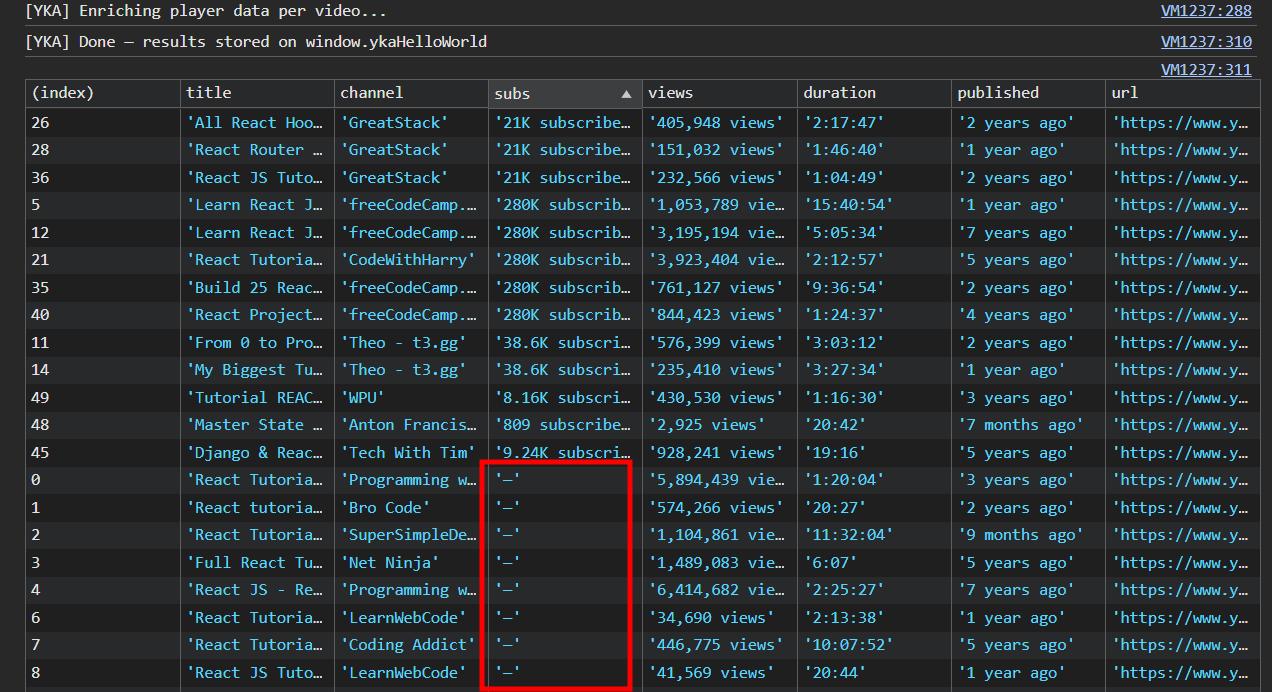
The bug turned out to be a path issue. The script was only looking for a top-level subscriberCountText field anywhere in the JSON, but the actual subscriber count was nested deeper in the object. Once I fixed the path, everything came back correctly.
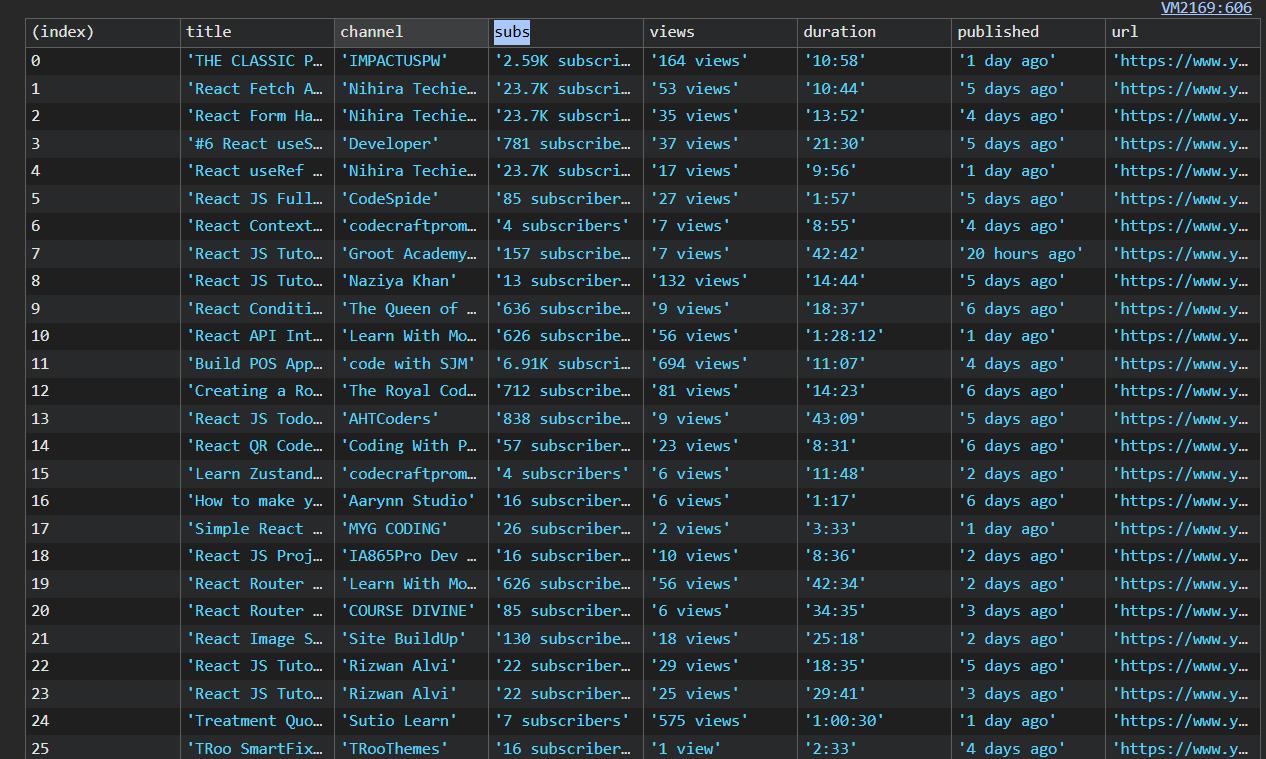
But there was a bigger problem underneath: the enrichment process was slow enough that I couldn't run it in the background service worker. It would trigger CORS issues. I needed a different architecture.
Planning the Chrome extension
There were a few things I had in mind for this extension:
- Use Vite, as always
- Add an uninstall redirect and an install redirect URL — something I hadn't been adding to previous extensions, but it's important that all Chrome extensions have some sort of ecosystem and help each other grow. Leading users to the website is a good start.
- No content JS besides doing the search. All the management would happen in a separate HTML tab.
- Multiple filters. The user would be able to see and update multiple of those independently.
For example:
GTA 6 news     => "gta 6", "leak"
Anthropic news => "claude", "updated", "new"
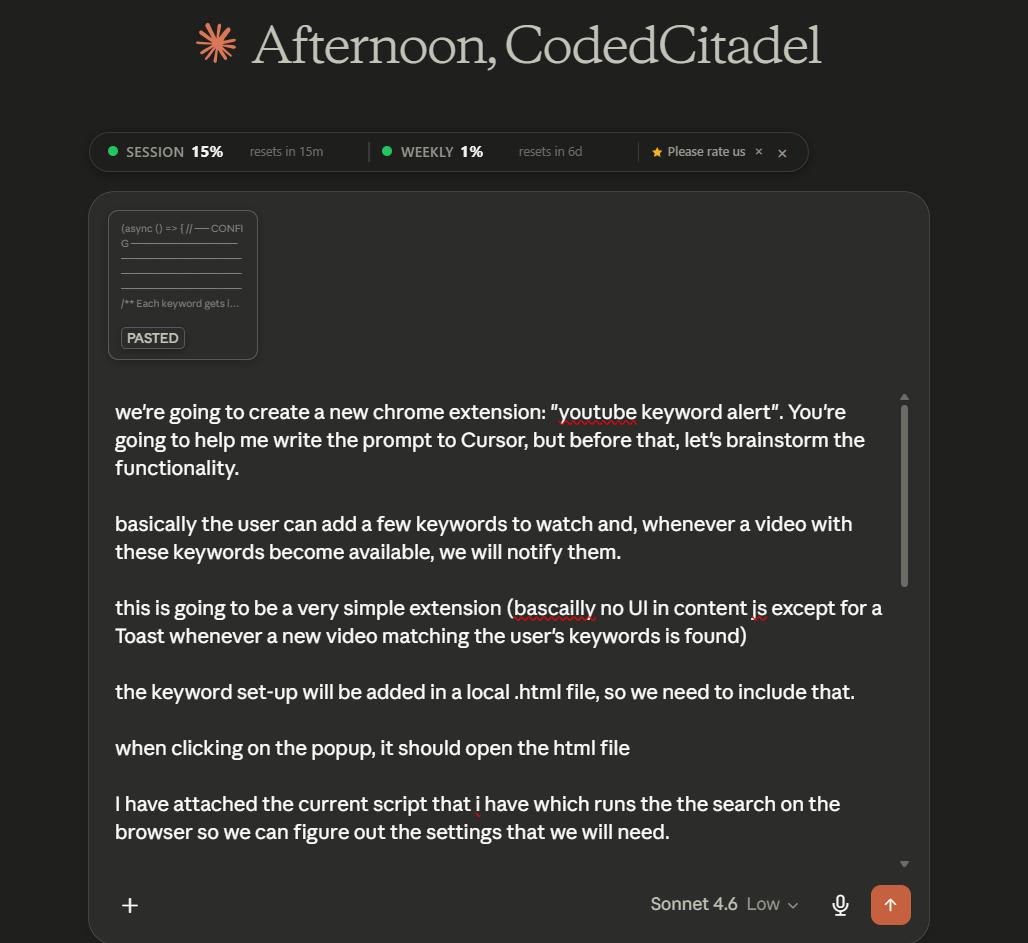
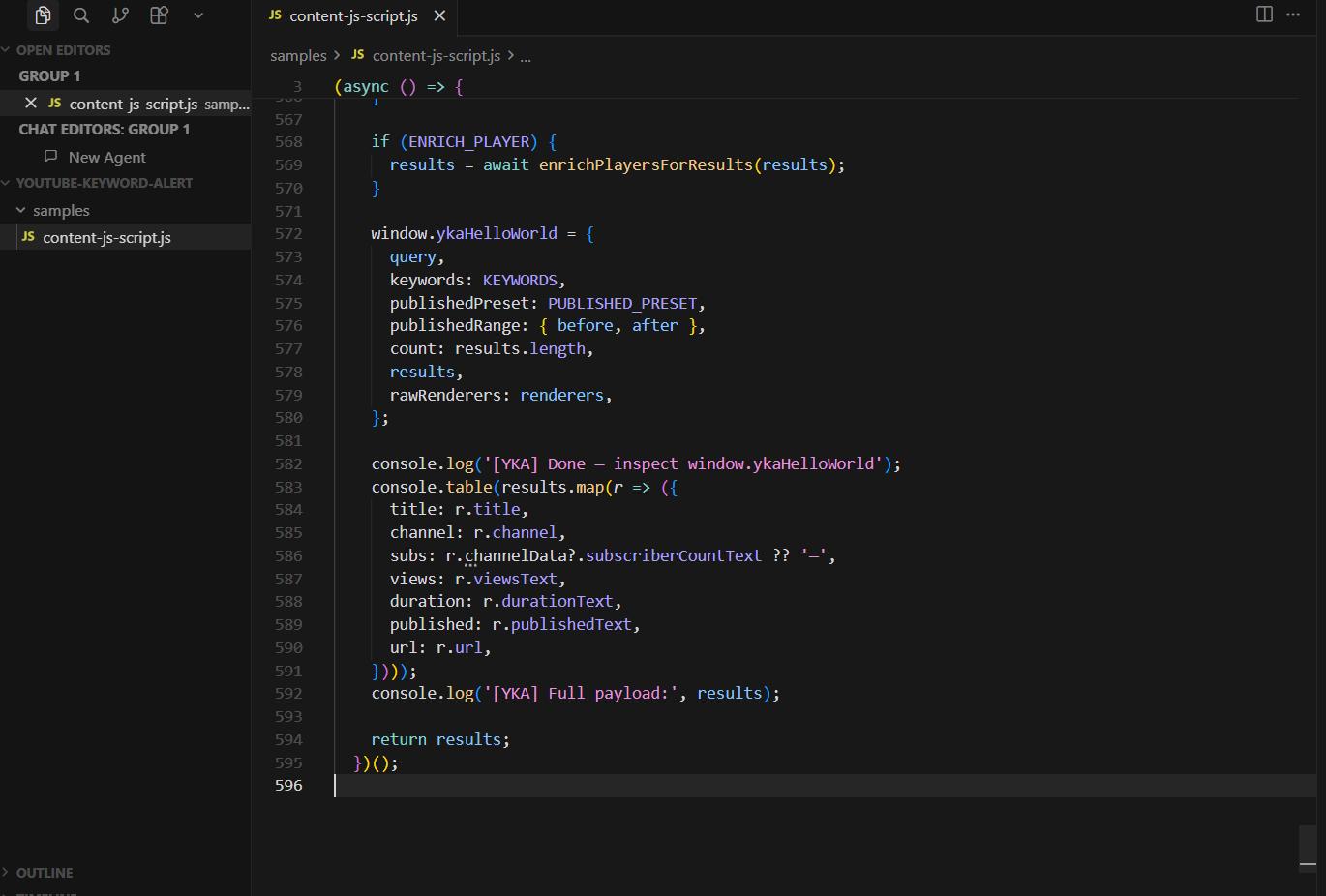
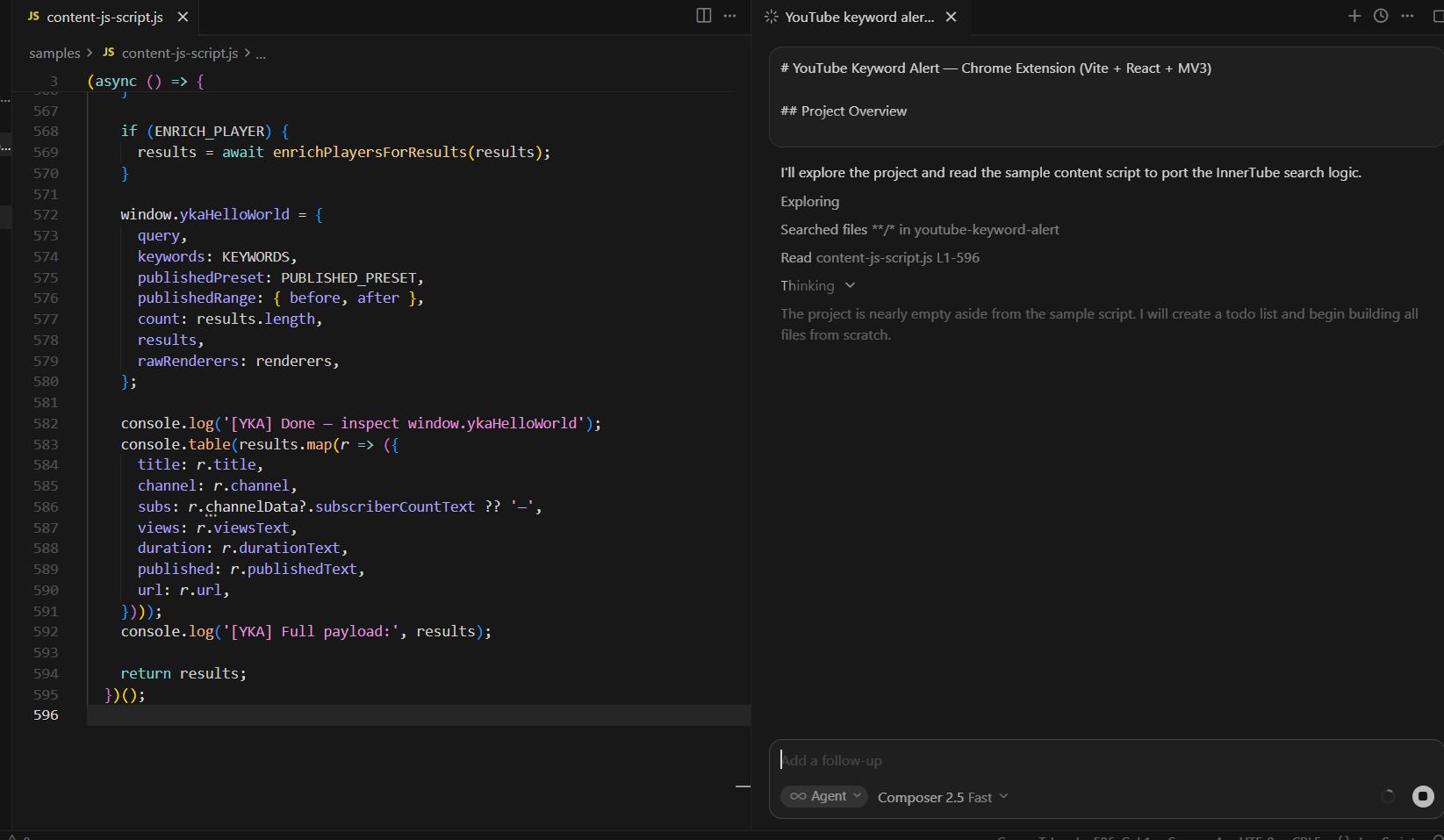
I brainstormed the architecture with Claude, got a detailed prompt, dropped it into Cursor Composer 2.5 and within 4 minutes had a working "thank you" page and the skeleton of the extension.
The CORS wall (and how I got around it)
The original plan was to use YouTube's InnerTube API from the background service worker. That failed immediately because of CORS, which I expected.
My second approach: build the search query from the filter keywords and make a plain GET request to youtube.com/results. YouTube returns an HTML page with ytInitialData embedded in it as a JSON object. I've worked with that object in previous episodes. The downside is you only get the first page of results, but for keyword alerting that's fine.
The problem was that even plain GET requests to YouTube were getting blocked in the background worker. So the new plan was to run a fetch call directly in the background service using the user's cookies and token. The user only needs to open the YouTube page once, and then searches can run indefinitely in the background. Much better UX.
Unfortunately, as expected, CORS was not going to let me.
I came across a blog post on bypassing CORS from a Chrome extension background script that explained exactly the approach I needed. I forwarded the post to Cursor and asked it to implement it in the current project.
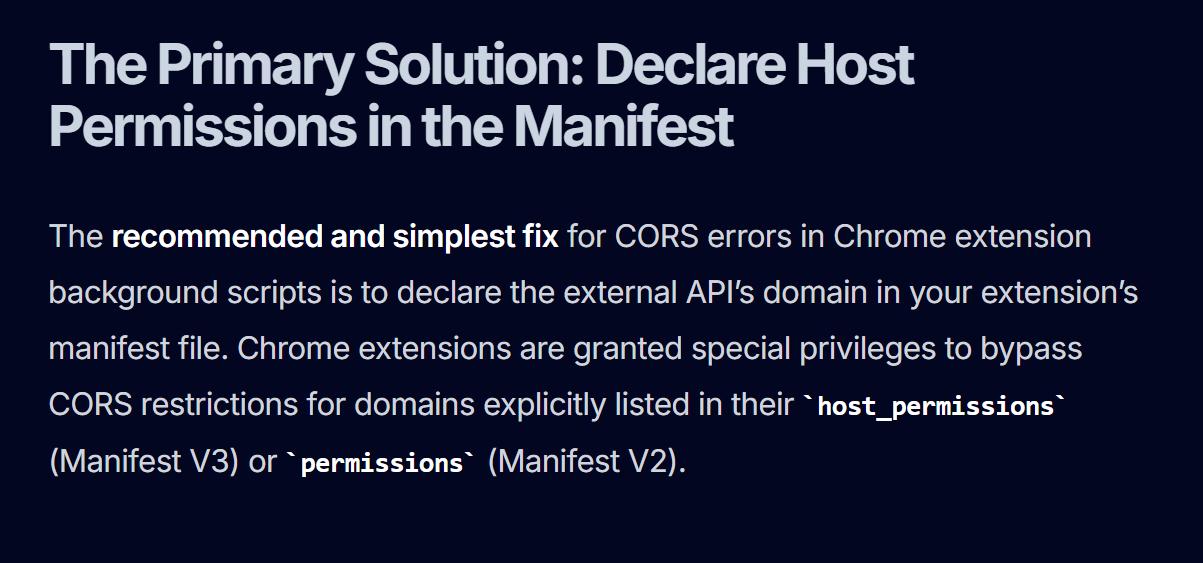
It worked. First try.
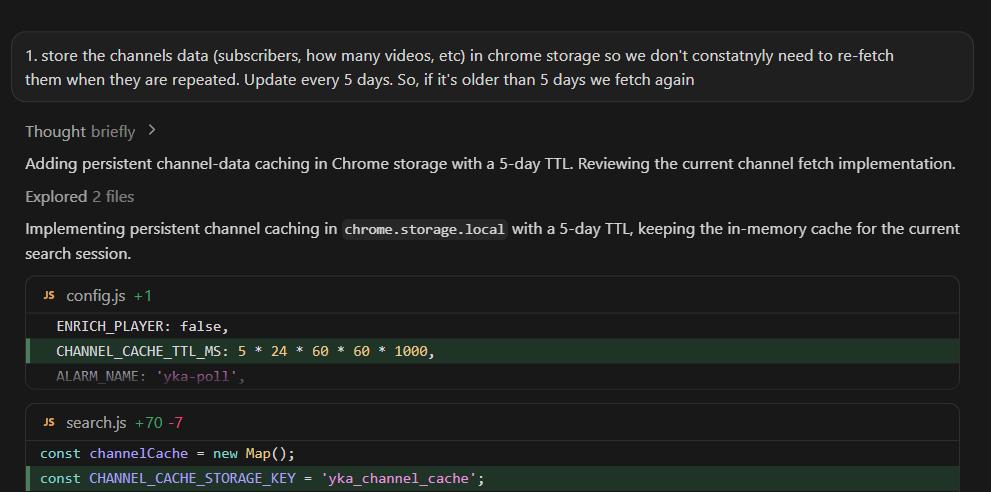
This was a meaningful architectural win. The user visits YouTube once, the extension picks up the session context, and from that point on the background service can run searches indefinitely without any tab open. I also asked Cursor to save the channel data in local storage so we don't constantly need to re-fetch it.
Building the filter system
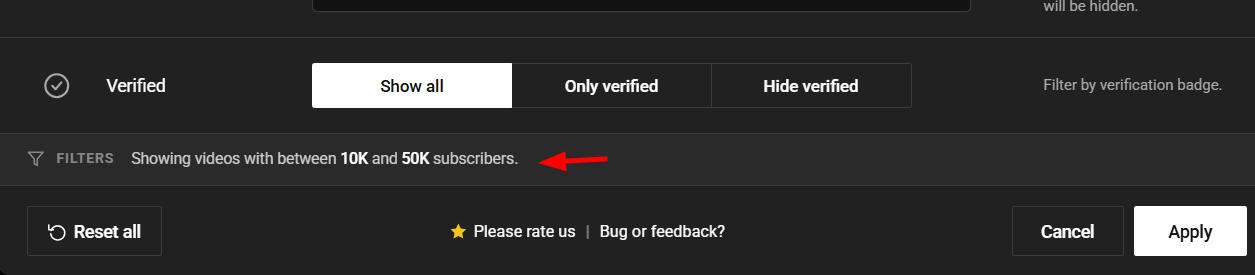
With the basics in place, it was time to enhance the filters. Each filter has:
- Keywords to include
- Keywords to exclude
- Minimum video duration
- A checks tab showing recent search history
- Results shown on the filter itself
- An "unsaved changes" warning so you can't close the modal accidentally after making changes
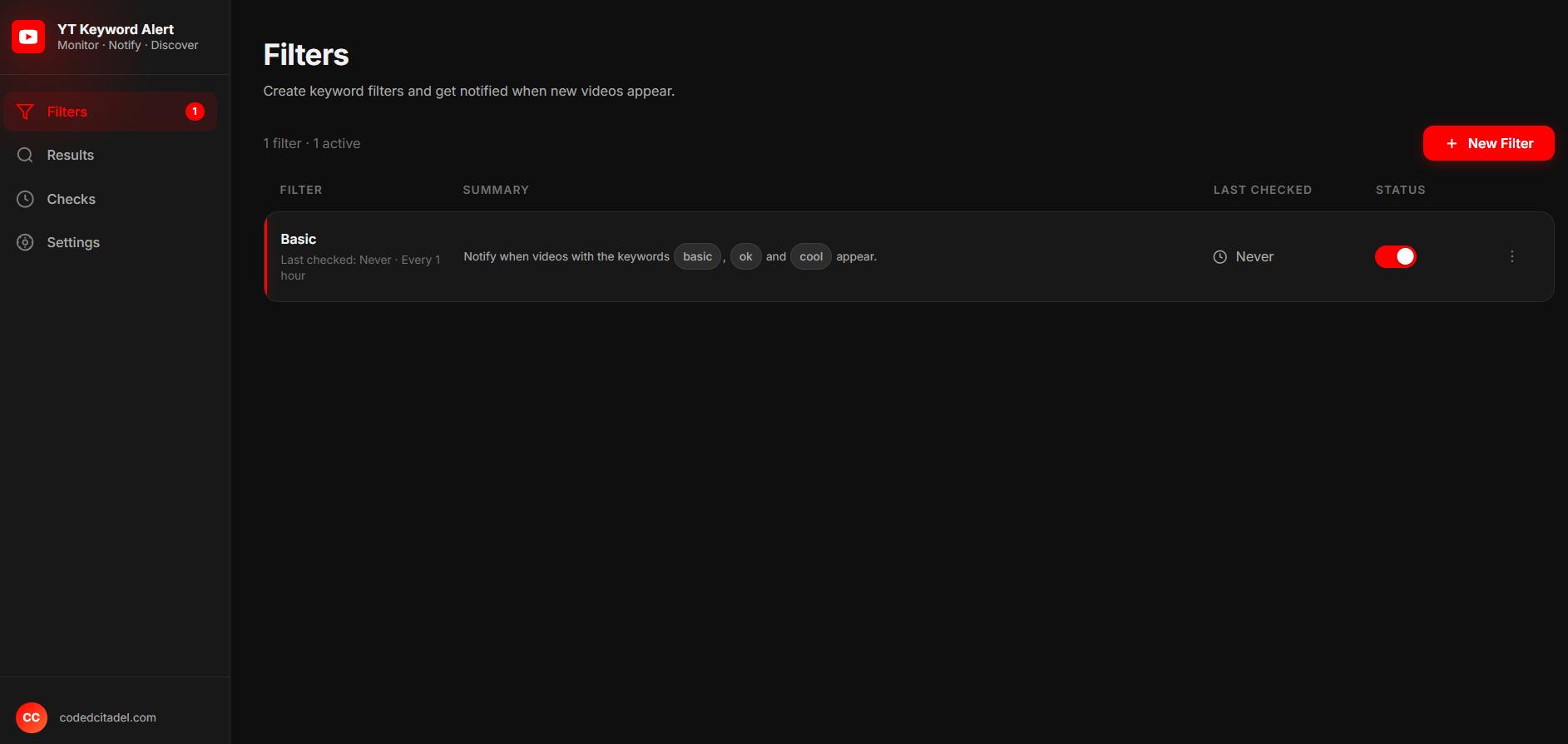
One thing that was bothering me was how unreadable the filters looked. When I looked at a filter called "basic" I had no idea what it was actually doing. I took the same approach as YouTube Filter Pro and added a human-readable summary line below each filter name. Much better.
I also set up a strict z-index system for the layered UI elements (modal at 2, confirmation dialog at 3, toasts at 4). When you have multiple overlapping elements, this stuff matters.
Fixing the design
The functional version worked but looked rough. I described what I wanted to ChatGPT first, but the excessive amount of detail was not very helpful here.
I ended up creating a less crowded design reference and brought it to Claude instead.
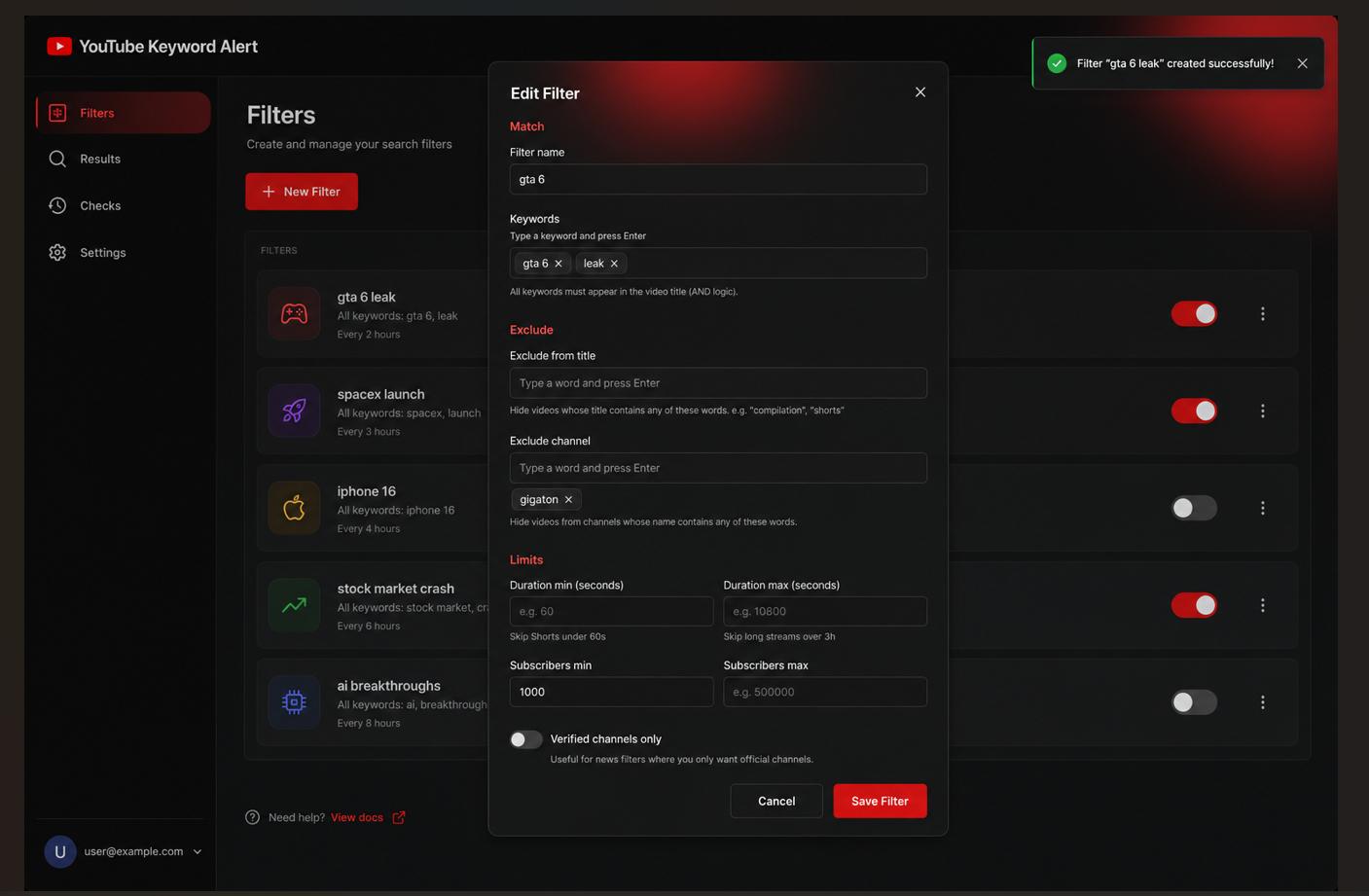
Claude's HTML/CSS/JS output looked pretty good. I copied it into the samples folder for Cursor to reference and asked it to replace the existing UI.
This is looking much better.
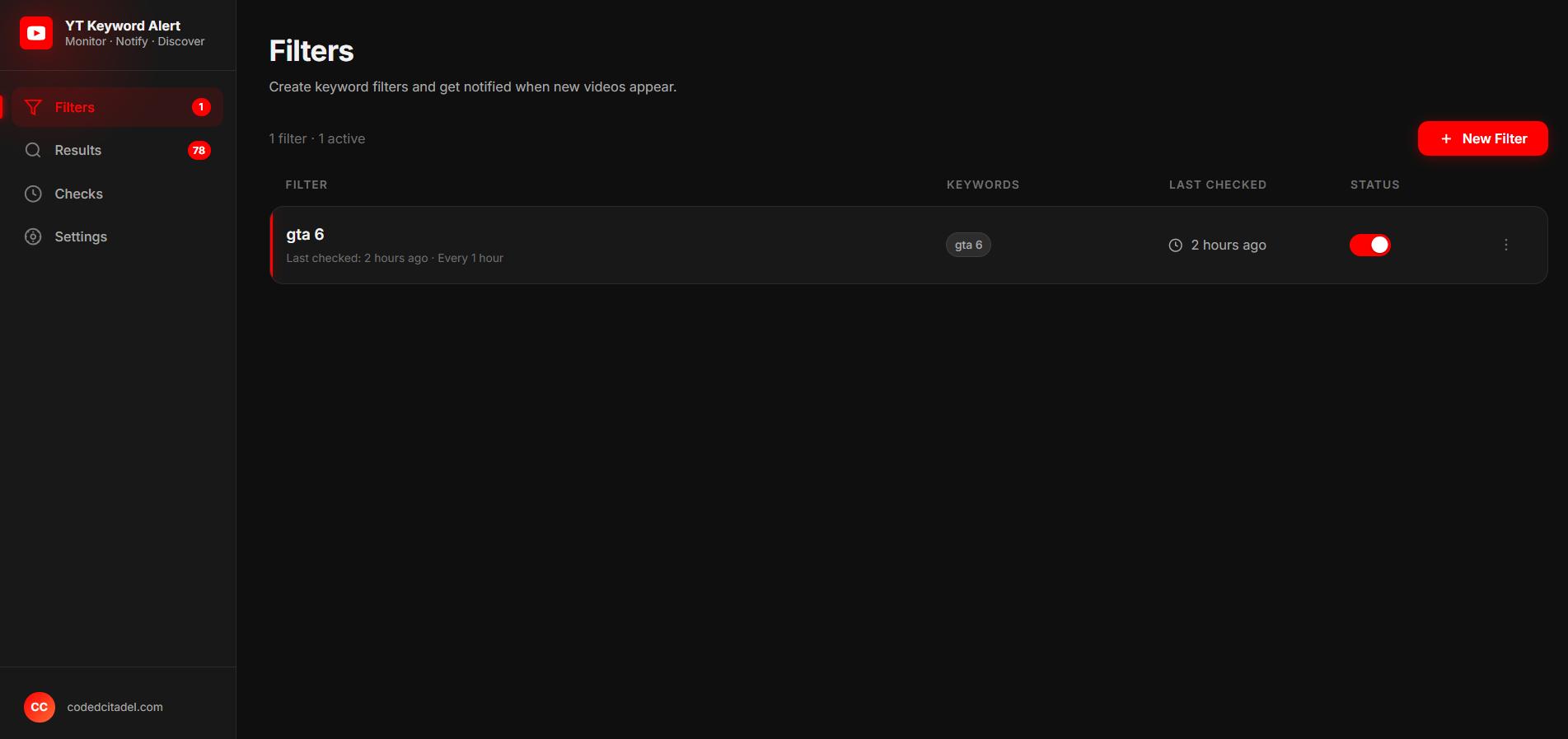
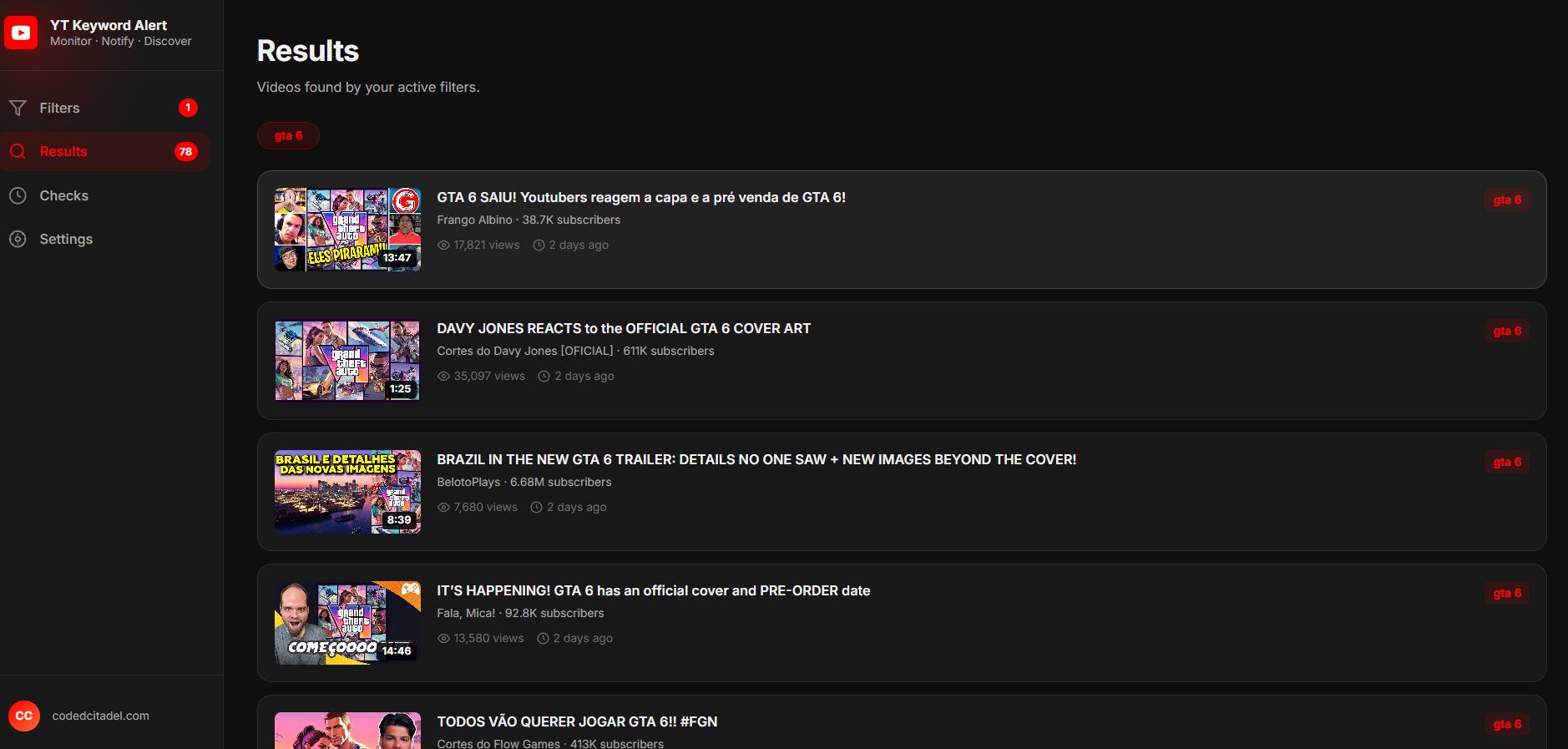
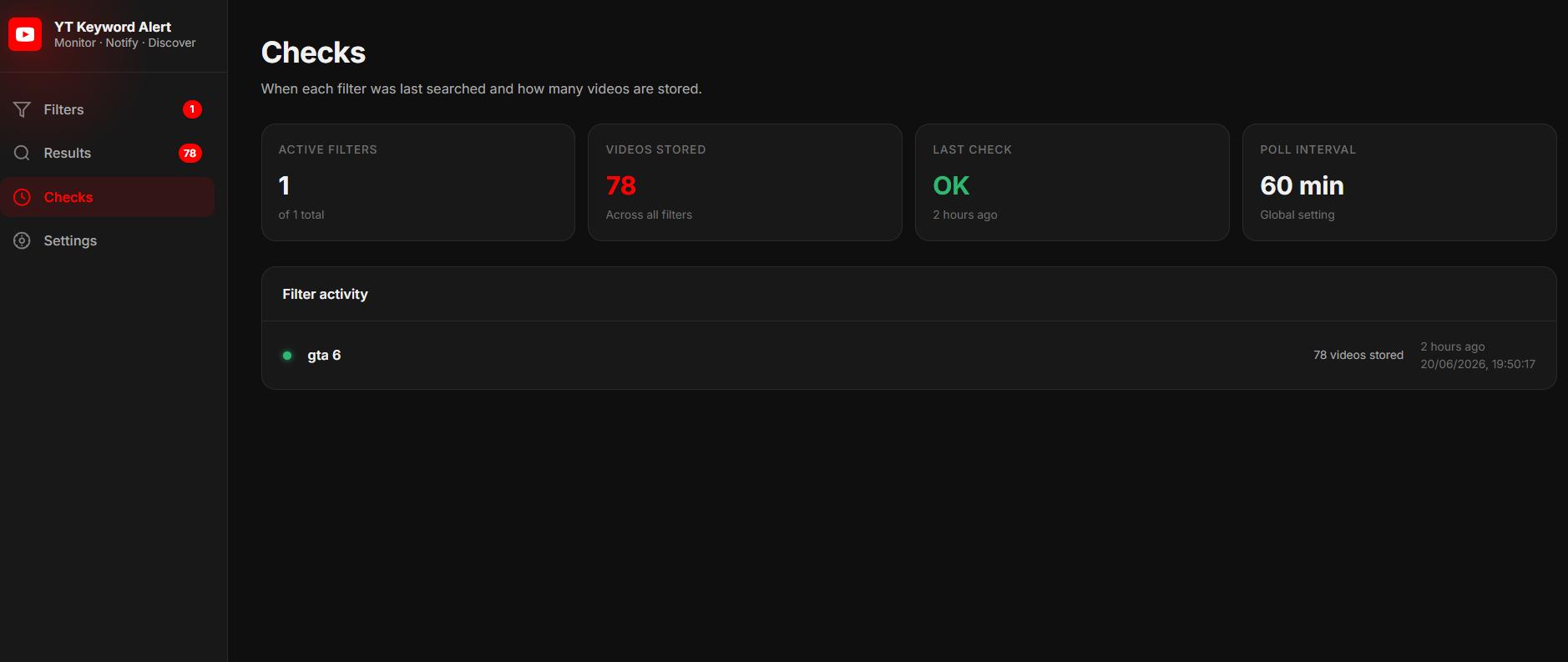
I also created two custom icons for the results tab (sent Claude a PNG reference and asked it to convert to SVG), and added pagination in the format I always use:
< 1 2 3 ... 99 >
Export and import for filters was added using Chrome storage. I didn't want to set up Supabase before validating the extension with real users first. This way users can still keep their data by exporting it manually.
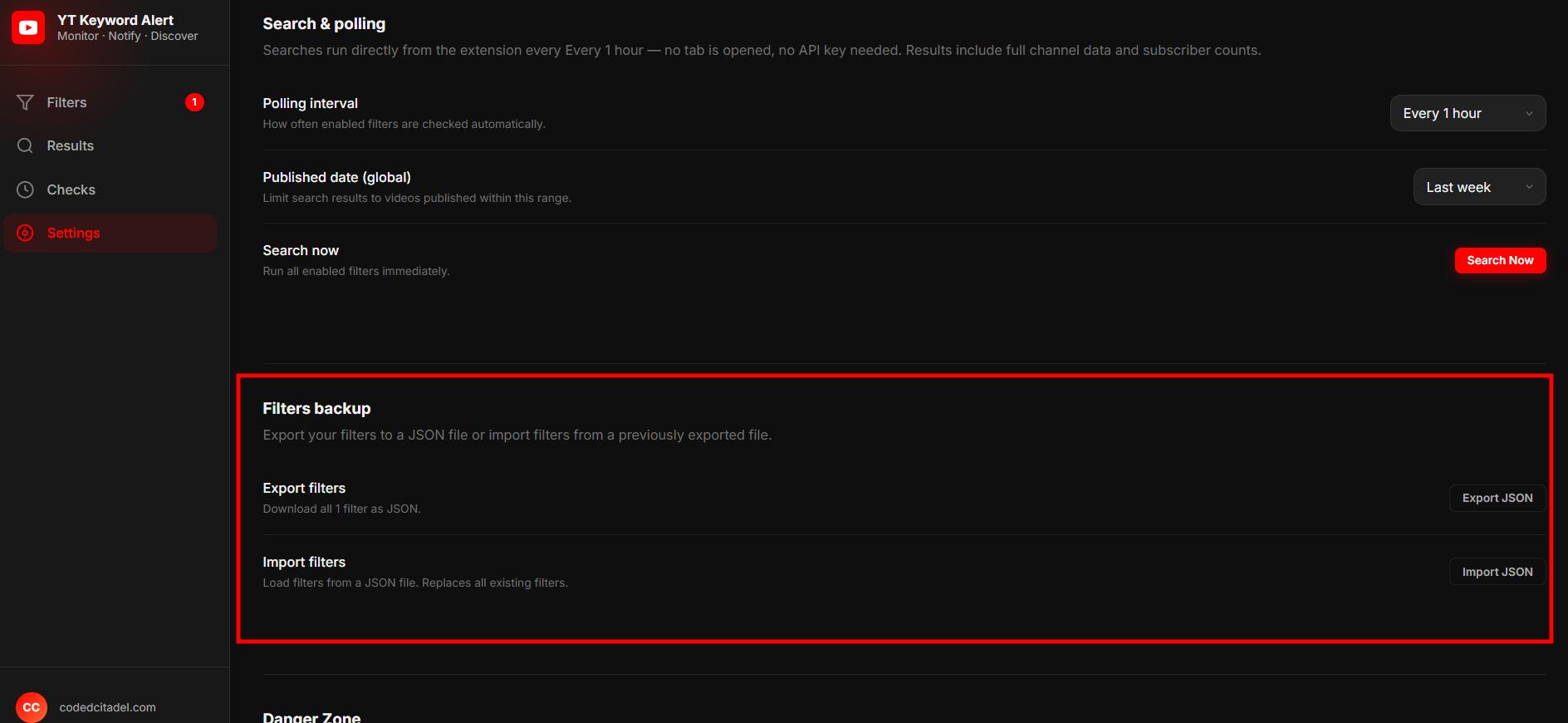
After a few more UX improvements (don't allow the min duration to be greater than max, better error handling, etc), I was pretty happy with how it was looking.
Does the background search actually work?
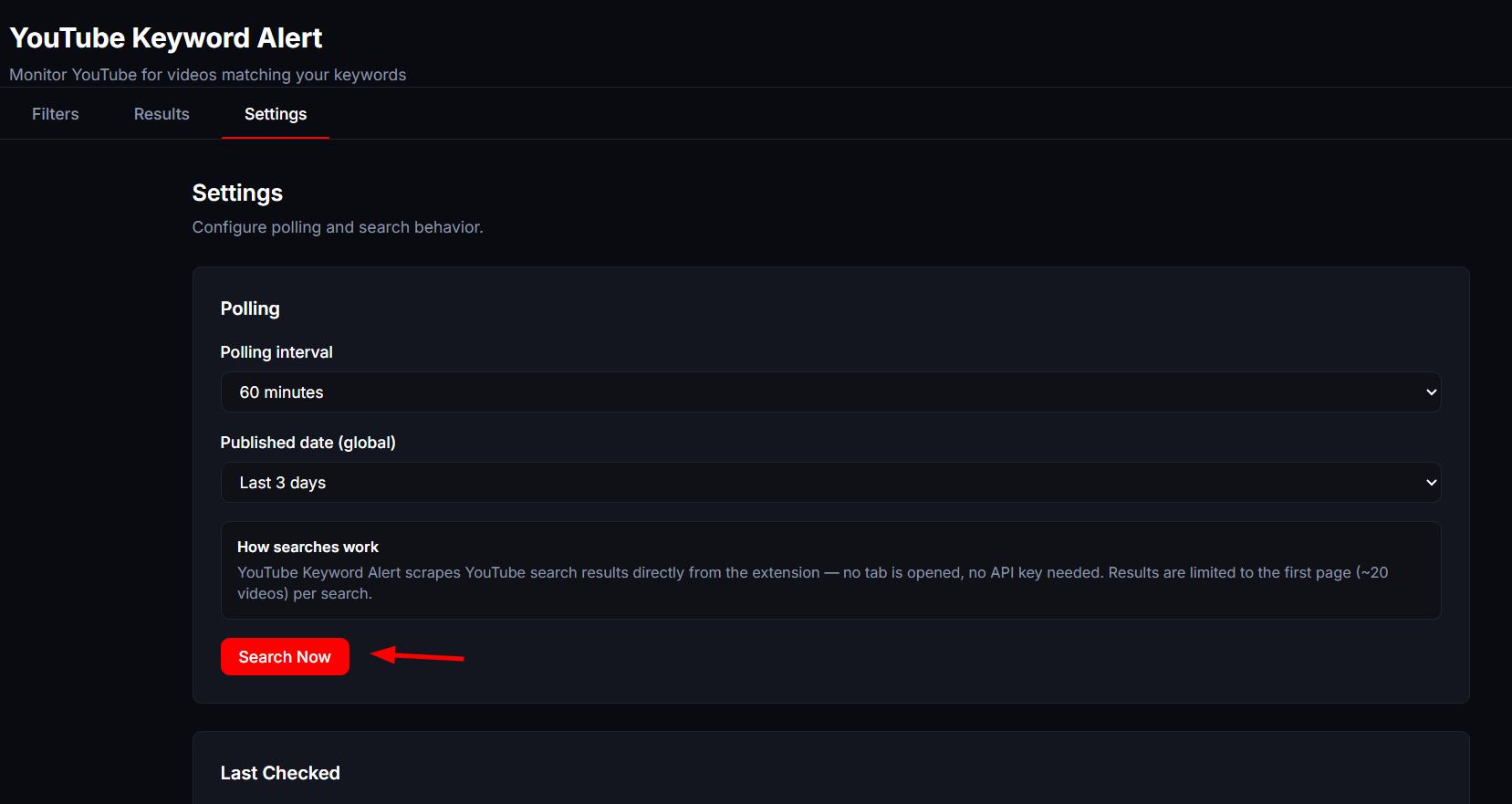
The final test was to see whether it performs searches when the tab is closed and we're on other websites. I added a "search in 1 minute" button so I could press it, close the tab, and go to a different website to see whether the search results triggered any notifications.
And... nothing happened.
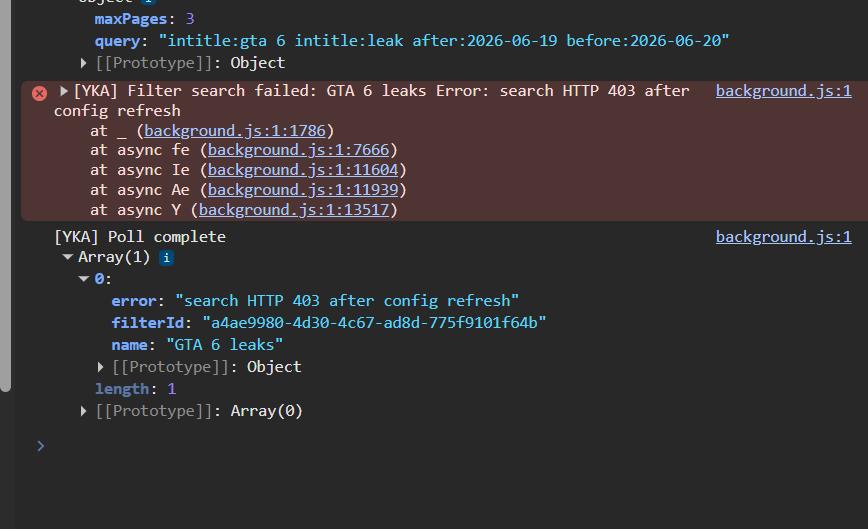
I spent a while debugging. Turned out the filter I was testing with was too strict and nothing matched. The background search had been working from the beginning.
Live stats
Install and active-user counts for YouTube Keyword Alert are on the extension app page. Site-wide numbers are on live stats.
Submitting to the Chrome Web Store
Something I always do before submitting is ask Cursor to write the Chrome Web Store description in my own voice. A while back I fed a big sample of my writing (Reddit posts, comments, blog copy) to Claude and asked it to create a writing style guide. I now drop that guide into the prompt whenever I need Cursor to write copy that actually sounds like me instead of generic extension marketing.
The extension was submitted and approved. This is number 10.
What I'd do differently
The tab-based search approach I started with would have been a dead end. The CORS workaround via background fetch was the right call and I wish I'd researched it earlier before spending time on the content script approach.
The human-readable filter summaries were a late addition but probably the most important UX decision in the whole project. If a user can't immediately understand what a filter does, they'll delete it.
Export/import using Chrome storage is good enough for validation. Once there's user demand, Supabase is the obvious next step.
If you're building something similar or have run into the same CORS wall, feel free to drop a comment on the video. And if you find the extension useful, a review goes a long way.
More from the blog
Keep reading
12 Chrome Extensions Deployed Within 2 Months (Not AI Slop). All Data + My First Financially Successful Extension
I coded and published 12 extensions in 52 days and documented every single one - all my private data, the numbers, what I learned, and the story of my first financially successful Chrome extension.

I Made My First Sale in This Series! (Shopify Client Work, $1400)
How I landed a $1400 Shopify project, used AI to analyze competitors, built a custom product page with metafields, and shipped a full ecom store - all while using a Chrome extension I built myself to sync the theme in real time.
Twitter Blocked Me, I Moved to BlueSky, But It Had One Major Issue. So I Built a Chrome Extension to Fix It
How I got blocked by Twitter, ended up on Bluesky, scraped 13k Reddit comments to find a chrome extension idea, and shipped a free extension to hide reposts from specific accounts — all in one session.